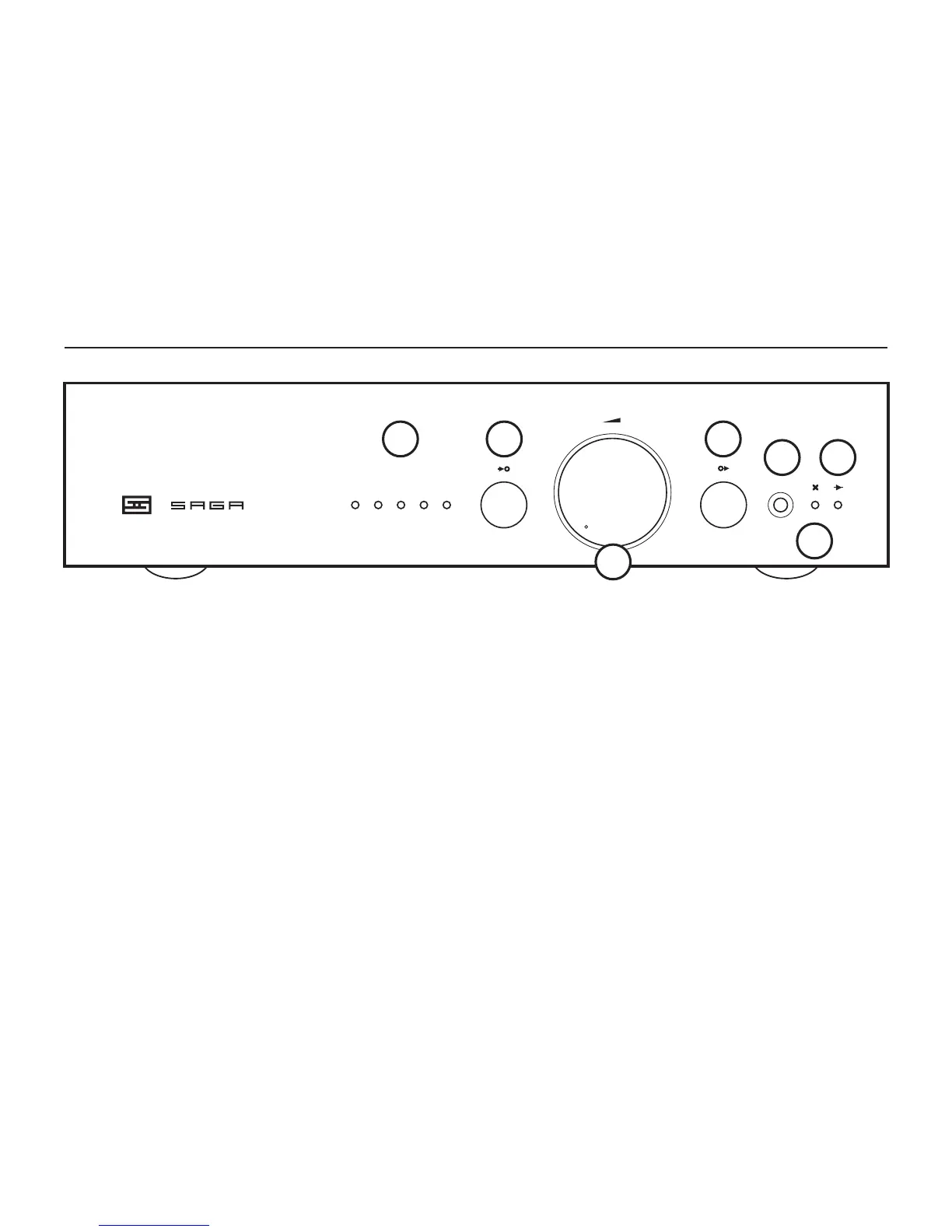
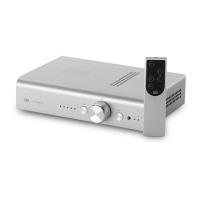
5 IR Window. The remote “talks” to the Saga S
through this window. Don’t block it, unless you
don’t want the remote to work.
6 Mute Indicator. When Saga S is muted, this LED
will turn on. Saga is muted for 60 seconds on rst
turn-on. You can also mute the preamp at any
time using the remote control.
7 Passive/Buffer Indicator. This lights up when
you’re using the JFET buffer output. It’s off for
passive output.
1 Input. The selected input lights up to indicate
the selected input. Pretty simple, right?
2 Input Switch. Press to choose the input you
want to listen to.
3 Volume Knob. Turn it to the right to make the
music louder. Stop before smoke comes out of
your speakers.
4 Mode Select. Press to change between passive
and buffer output.
CONTROLS
1 2
3
4
5
6
7


 To Next Page