Operation
98
Checking the cell
constant
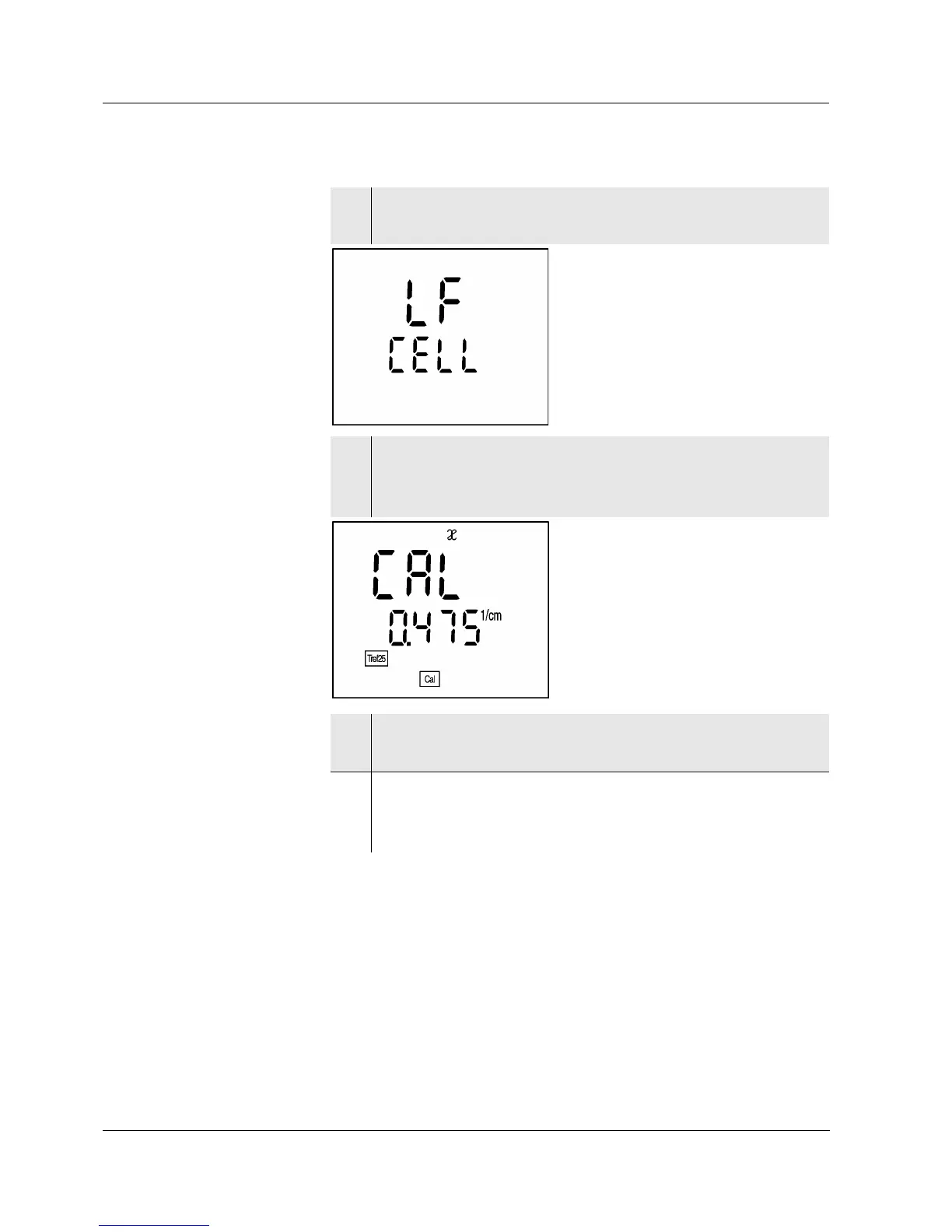
1 Press the <CAL> key repeatedly until LF CELL is dis-
played.
2 Press the <run/enter> key.
The previously selected cell constant ist displayed,
e. g. 0.475 cm
-1
with a calibrated cell constant.
3 To return to the measuring mode: press the <ì> key
when the correct cell constant ist displayed.
4 If a different cell constant is to be set, proceed ac-
cording to section 4.3 D
ETERMINING/SETTING UP THE
CELL CONSTANT [C].


 To Next Page