Getting Started With the SEL-3355-2 Date Code 20180212
4
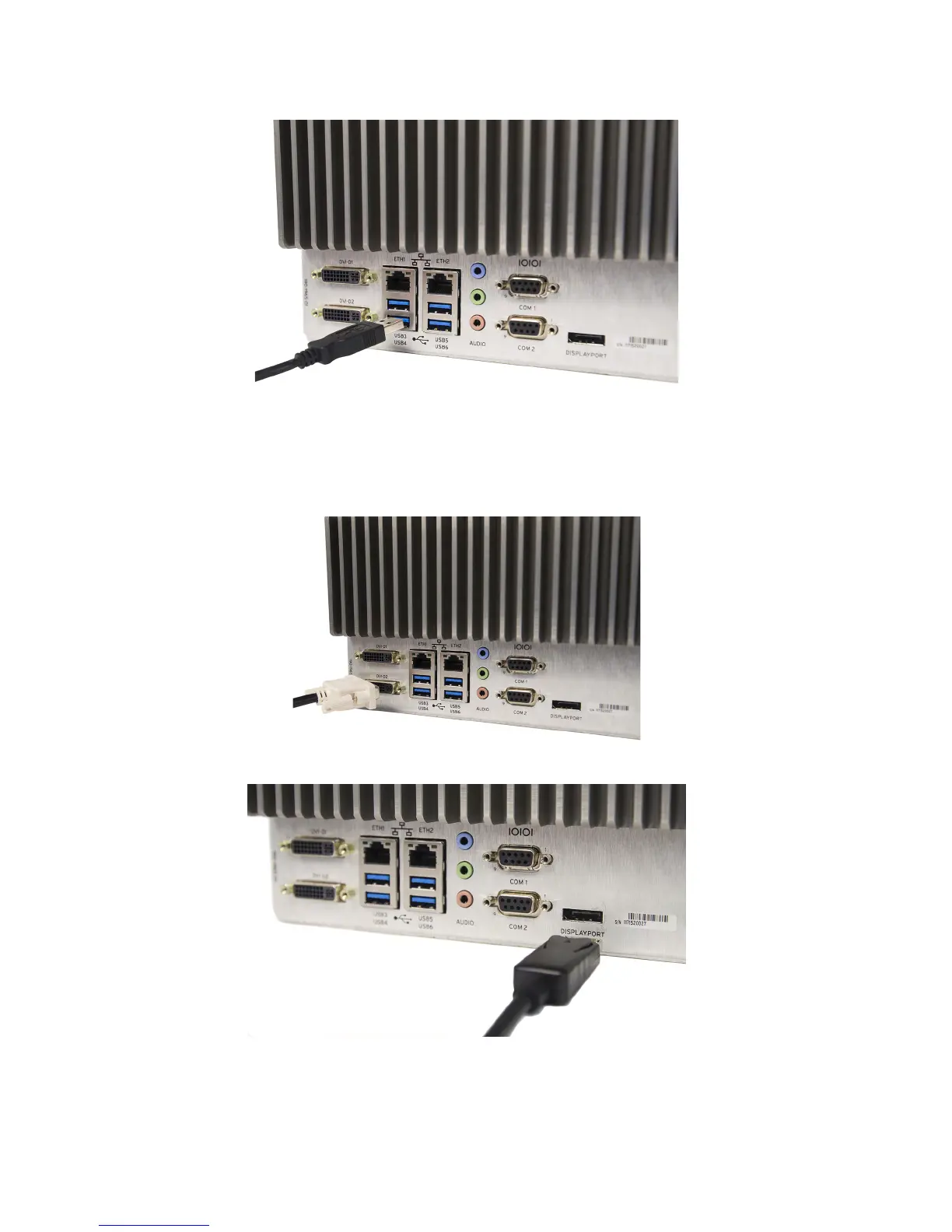
Step 1. Connect the keyboard and mouse to any of the USB ports as shown in Figure 3.
Figure 3 USB Connection
Step 2. Connect the monitor(s) to the video ports.
The SEL-3355-2 will support as many as three monitors. Figure 4–Figure 5 show single monitor
connections.
Figure 4 Single DVI Connector to DVI-D
Figure 5 Single DisplayPort Connection
Figure 6 and Figure 7 show dual monitor connections.


 To Next Page