Date Code 20180212 Getting Started With the SEL-3355-2
9
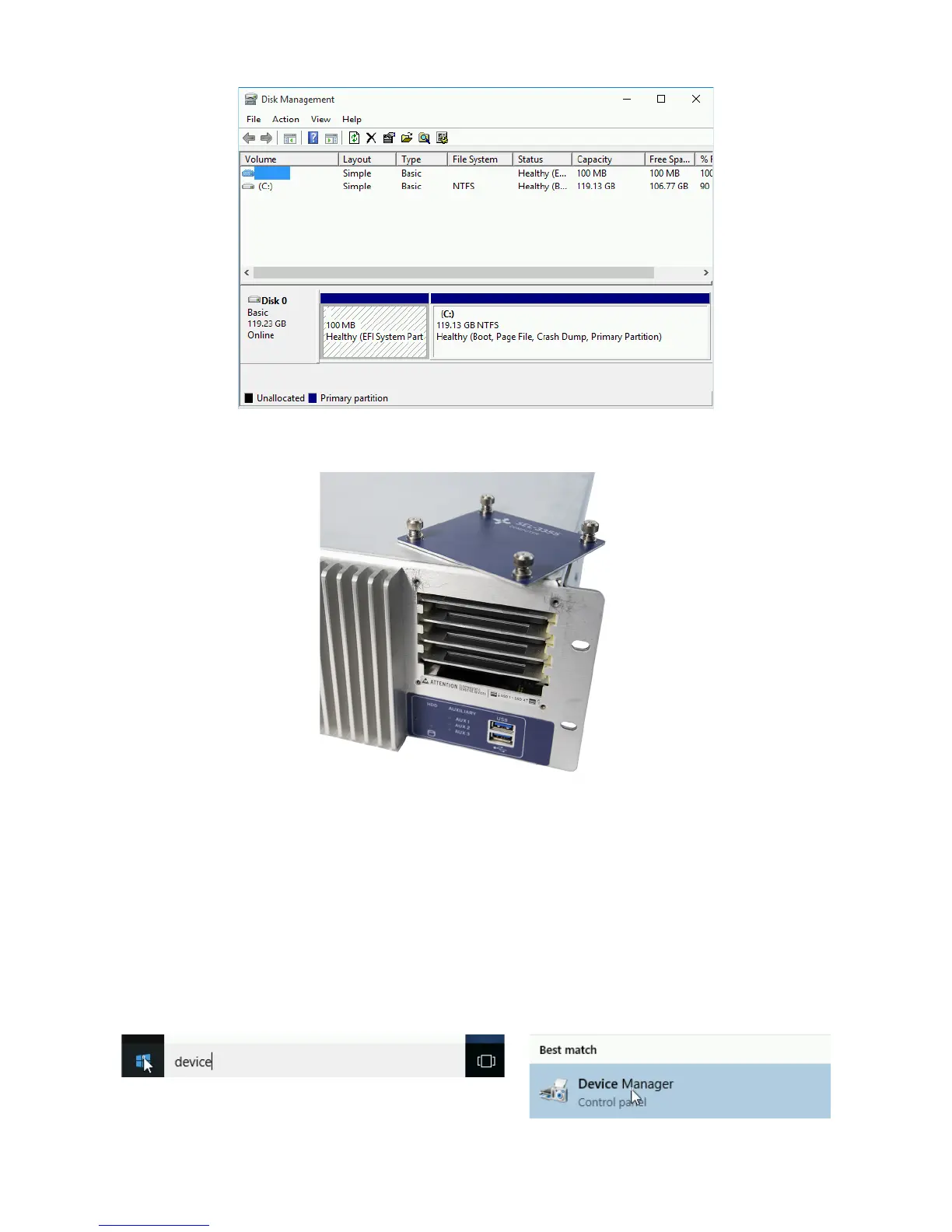
Step 4. If any of the SATA drives that were ordered with the computer are not displayed, open the SATA
drive bay on the front panel of the SEL-3355-2 and verify that they are installed.
Step 5. If all drives are installed, turn off the SEL-3355-2. Then pull out and reinstall each drive one at a
time, ensuring that they are firmly inserted.
Step 6. Restore power to the SEL-3355-2 and verify that all drives are now present in the Disk
Management application.
If any of the drives are not present after performing this step, contact your customer service
representative for further assistance.
Hardware
Perform the following steps to verify that all the hardware is correctly installed in the SEL-3355-2:
Step 1. Click the Start button, type device in the box, and then select Device Manager.


 To Next Page