11
Units (English/Metric)
Set the Unit Measures for distance to km/mi.
Calibrate
The option allows calibration of the power sensor, manual adjustment of the output values
and allows views of current values being reported by the power sensor.
Calibration Options:
• Zero Point --Calibrates power sensor using calibration tool
• Power Adjust --Allows user to manually adjust the power calculation in console from
-99% to +99%. When Power Adjust is set to any % other than 0, the console will adjust
the calculated power values by this % for display. This adjustment will also affect the
values calculated from power: distance and calories.
• Current Angle --Allows user to see current angle being reported by Power Sensor
• Exit --Return to main menu
Batteries
Estimated percentage of battery life remaining in the batteries.
System
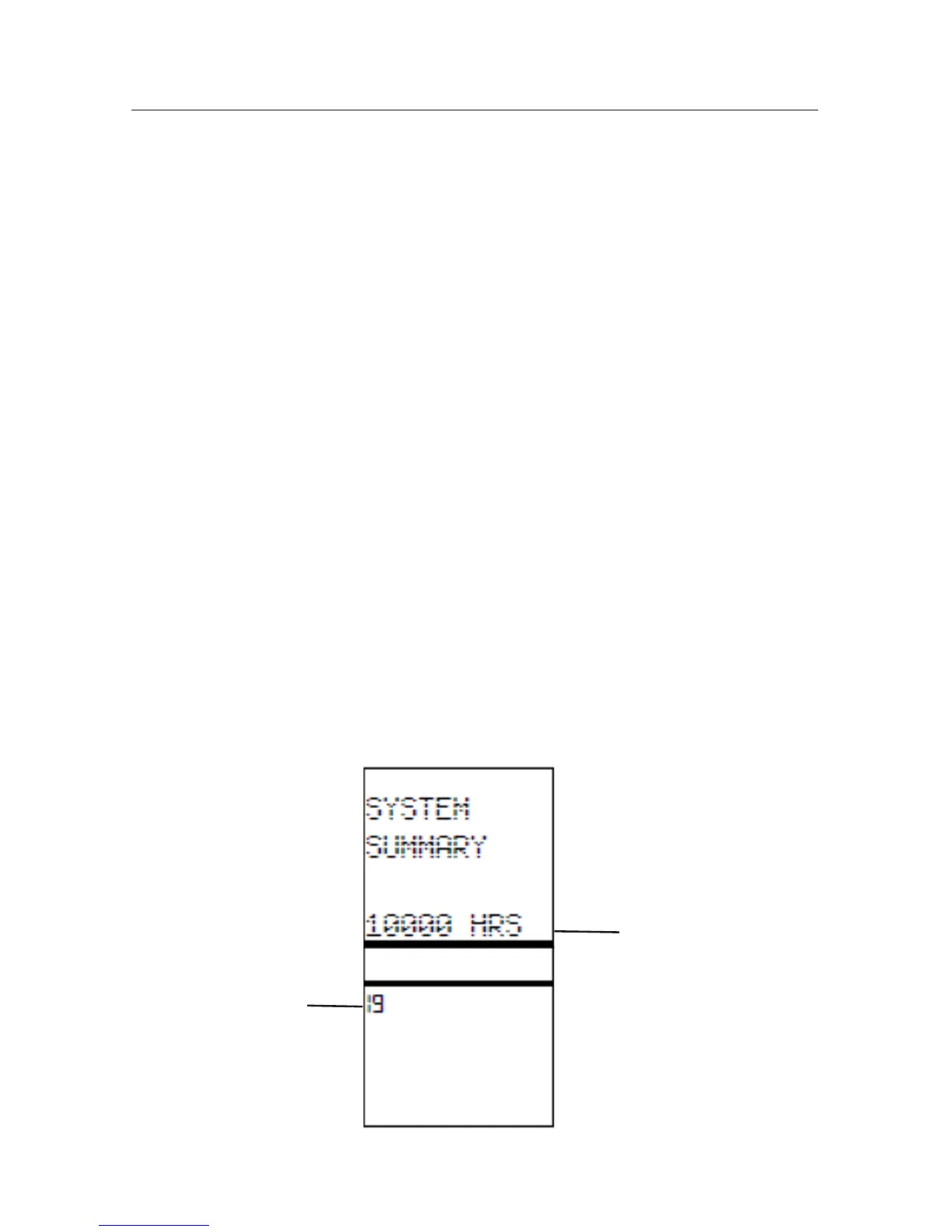
This option lets user access console summary data and perform a console reset for software
updates.
Options:
• Summary --Displays usage hours and console firmware version.
• Reset --Resets the console to factory default settings
• Load FW --Allows user to upload new firmware to the console while maintaining user
defined settings
Usage Hours
Firmware Version
Operations



 To Next Page