GETTING STARTED
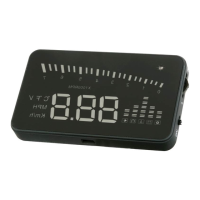
1. After installation, start engine and power on
HUD2
. NOTE: Leave the power switch in
the ON position and the
HUD2
will be controlled with the vehicle's ignition).
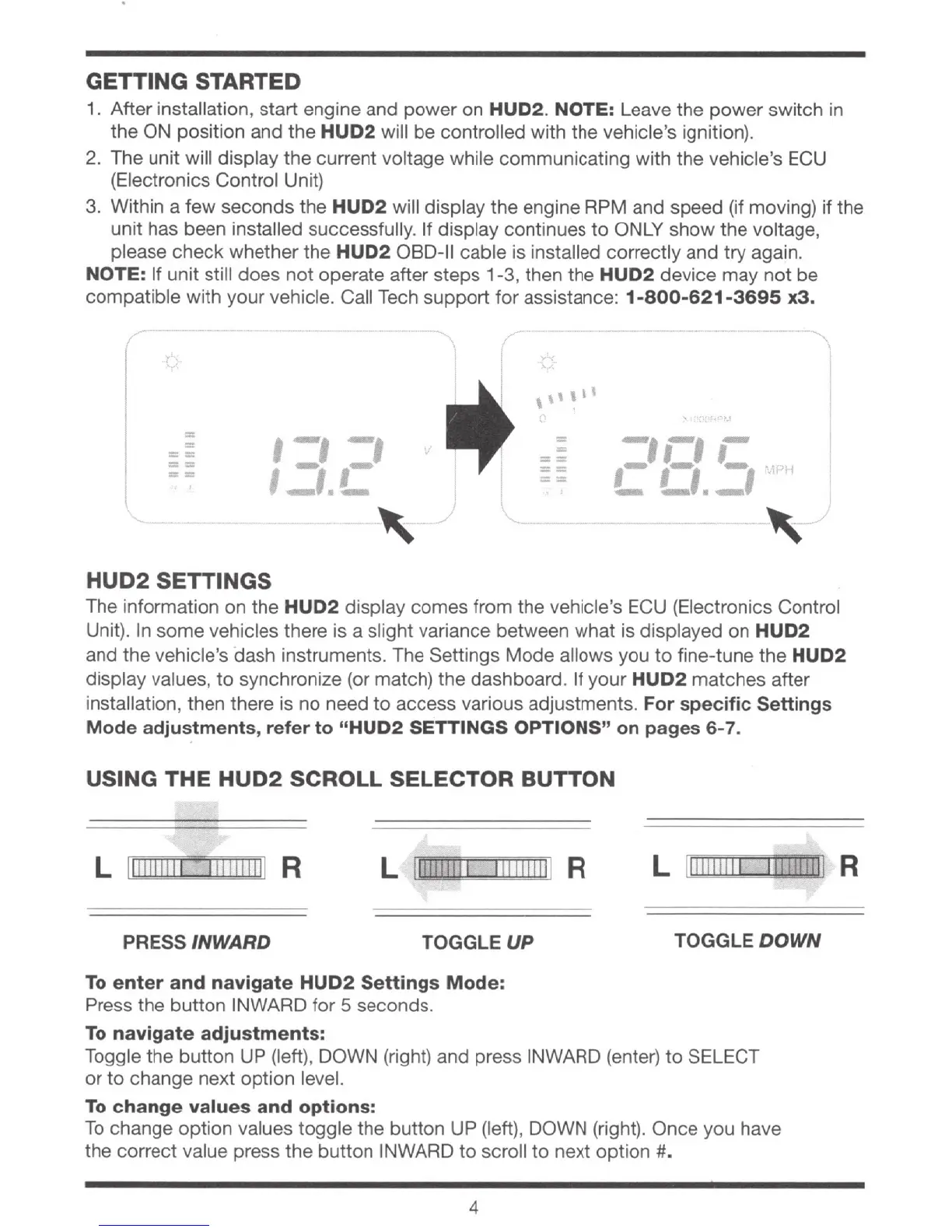
2. The unit will display the current voltage while communicating with the vehicle's E
CU
(Electronics Control Unit)
3.
Wi
thin a few secon
ds
the HUD2 will display the engine RPM and speed (if moving) if the
unit has been installed successfully. If display continues
to
ONLY show the voltage,
please check whether the
HUD2
OBD-11 cable is installed
cor
rectly and try agai
n.
NOTE: If unit still does
not
operate after steps 1-3, then the
HUD2
device may not
be
compa
tible with your vehicle. Call Tech support for assistance:
1-800-621-3695
x3.
(
-----
-
\
-
=
/
==
==
==
,-,
-,
I-,,-
-·-
, _
HUD2 SETTINGS
\
'
...
/,
,,,,,,
: .
~
..
=
-,
--,
-=
-
,_
,_
--
==
L
Ll
....
\1-'H
==
~
J
The information on the
HUD2
display comes from the vehicle's ECU (
El
ectronics Control
Unit). In some vehicles there
is
a slight variance between what is displayed on HUD2
and the vehicle's dash instruments. The Settings Mode allows you
to
fine-tune the HUD2
display values,
to
synchronize (or match) the dashboard. If your
HUD2
matches after
installation, then there is no need to access various adjustments.
For specific Settings
Mode adjustments, refer to "HUD2 SETTINGS OPTIONS"
on
pages 6-7.
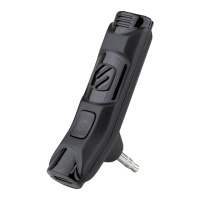
USING THE HUD2 SCROLL SELECTOR BUTTON
L
111111111
1 1
1111111
11 R
L
11111!1!11
11
1111111
1 R
L 1
11111111
1
PRESS INWARD TOGGLE
UP
TOGGLE
DOWN
To
enter
and
navigate
HUD2
Settings Mode:
Press the button
IN
WARD for 5 seconds.
To
navigate adjustments:
Toggle the button UP (left), DOWN (right) and press INWARD (enter)
to
SELECT
or to change next option leve
l.
To
change values and options:
To
change option values toggle t
he
button UP (left), DOWN (right). Once you have
the correct value press
the
button INWARD
to
scroll
to
next
option#
.
4


 To Next Page