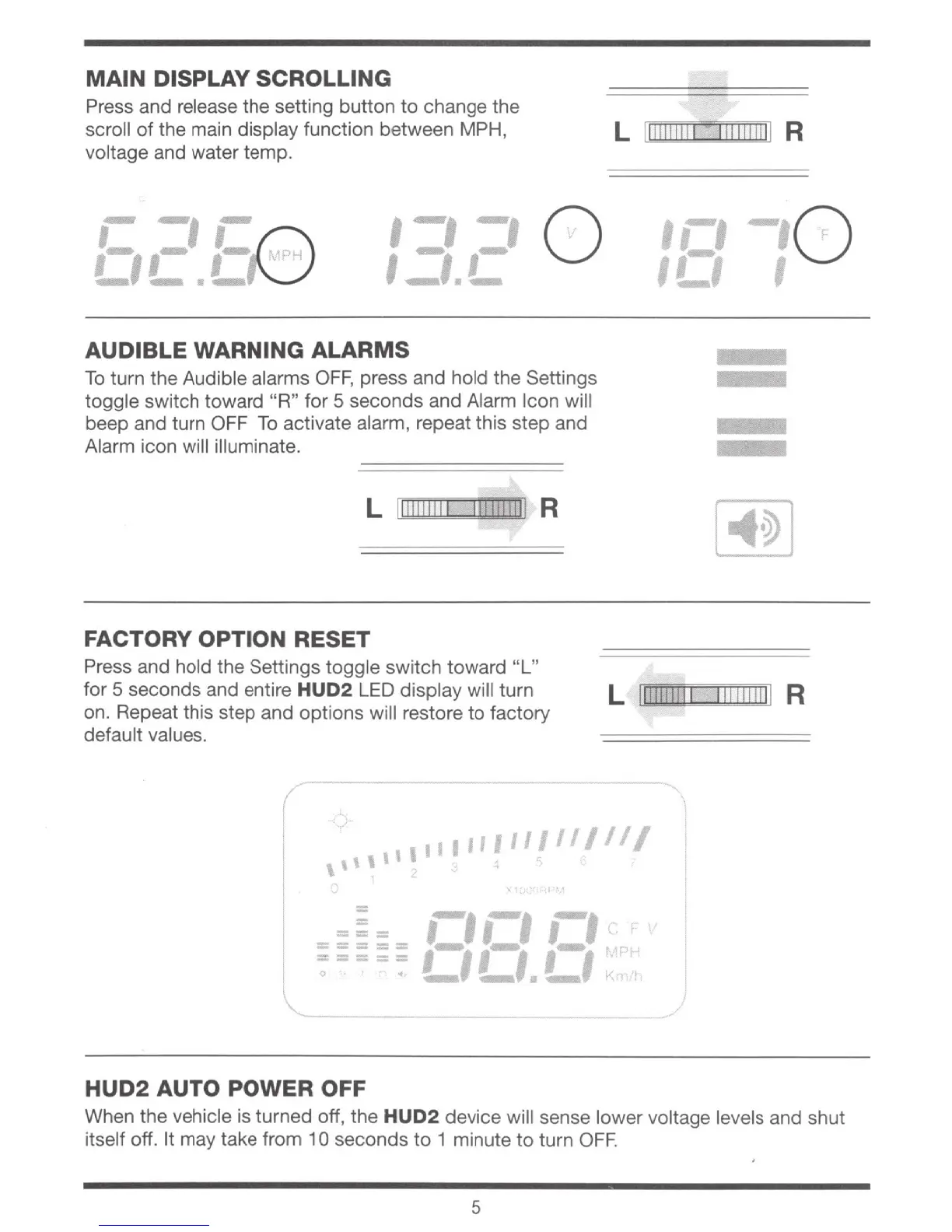
MAIN DISPLAY SCROLLING
Press and
re
lease the setting button to change the
scroll
of
the main display function between MPH,
voltage and water temp.
L :
1111
1
11
11
1111111111
R
~
--,
~
:-,,-
I G
..........
·--'
,--,
....
, 0
'
...
, ,
...
...........
AUDIBLE WARNING ALARMS
To
turn
the
Audible alarms
OFF,
press and hold the Settings
toggle switch toward "R"
for
5 seconds and Alarm Icon will
beep and turn OFF
To
activate alarm, repeat this step and
Alarm icon will illuminate.
L 11
1111111
1
IJII!!IIII
R
FACTORY OPTION RESET
•c•-
o
1!..1
Press and hold the Settings toggle switch toward
"L"
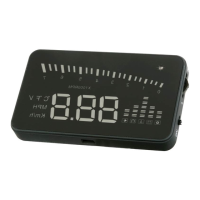
for 5 seconds and entire HUD2
LED
display will turn
on. Repeat this step and options will restore
to
factory
default values.
L 1
111111111
1
11111111
1 R
(
'
,,
....
,,,,,,,,,,,
,,,,,
+
==
=
,._,
rl rl
. r
, ... , I J , ... , •.
r~
~
......
--·~
klt
===
==
-----
-----
0
/
HUD2
AUTO POWER OFF
When
the
vehicle is turned off, the
HUD2
device will sense lower voltage levels and shut
itself off.
It
may take from 1 0 seconds
to
1 minute
to
turn
OFF.
5


 To Next Page