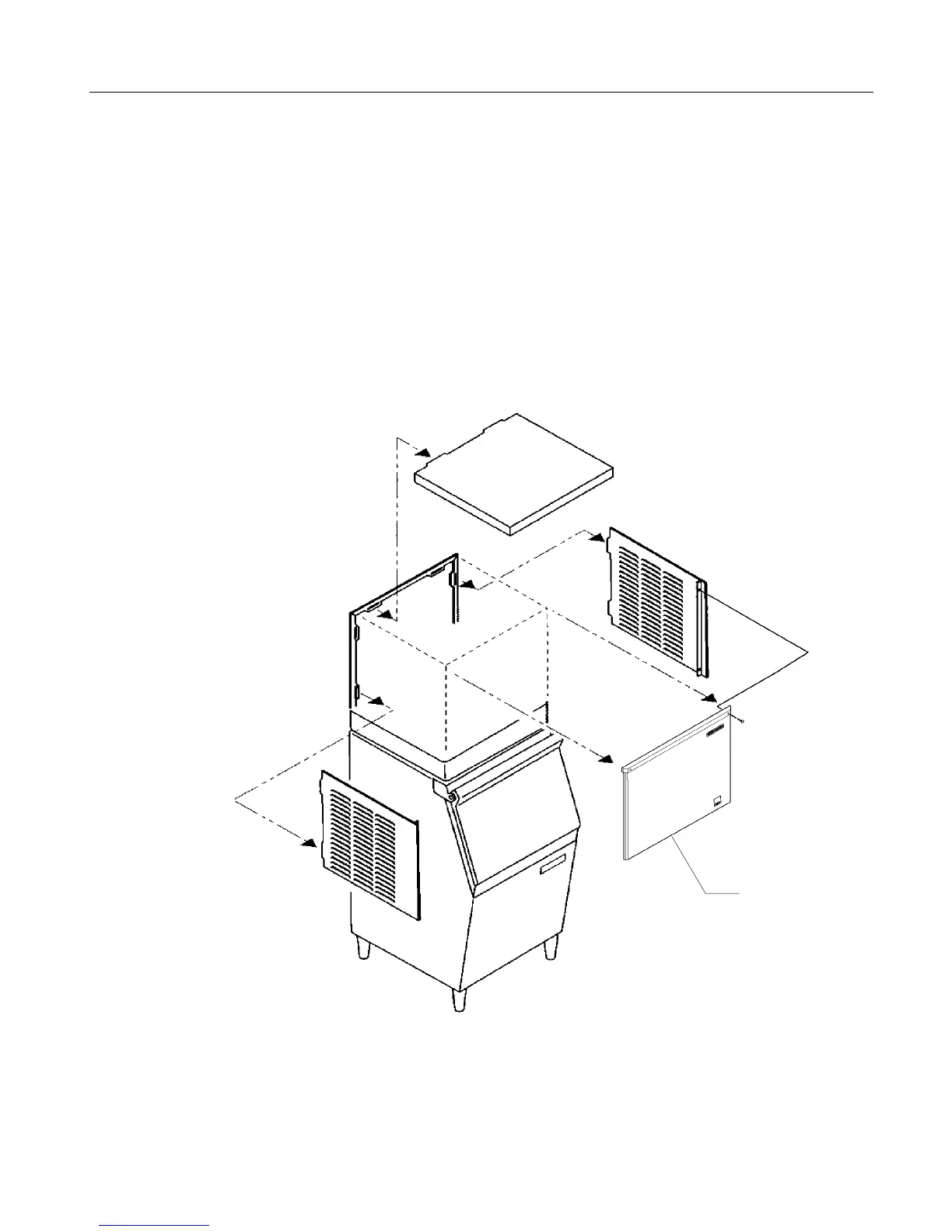
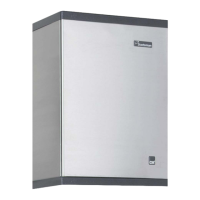
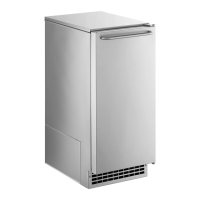
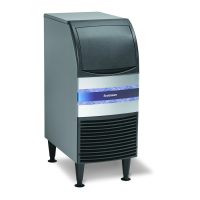
Cabinet Panel Removal:
Note: The top panel holds the upper edges of the
side panels in place.
1. Remove the front panel by removing the two
screws connecting the top edge of the front panel
to the machine, then pull out at the bottom.
2. Lift up at the front edge and push the top panel
back until it releases from the tabs connecting it to
the back panel.
3. Remove the screws at the front edge of the left
side panel, and pull forward until it releases from
the tabs connecting it to the back panel.
CME1056
May 2000
Page 7
Remove The
Front Panel
First



 To Next Page