EasyManua.ls Logo

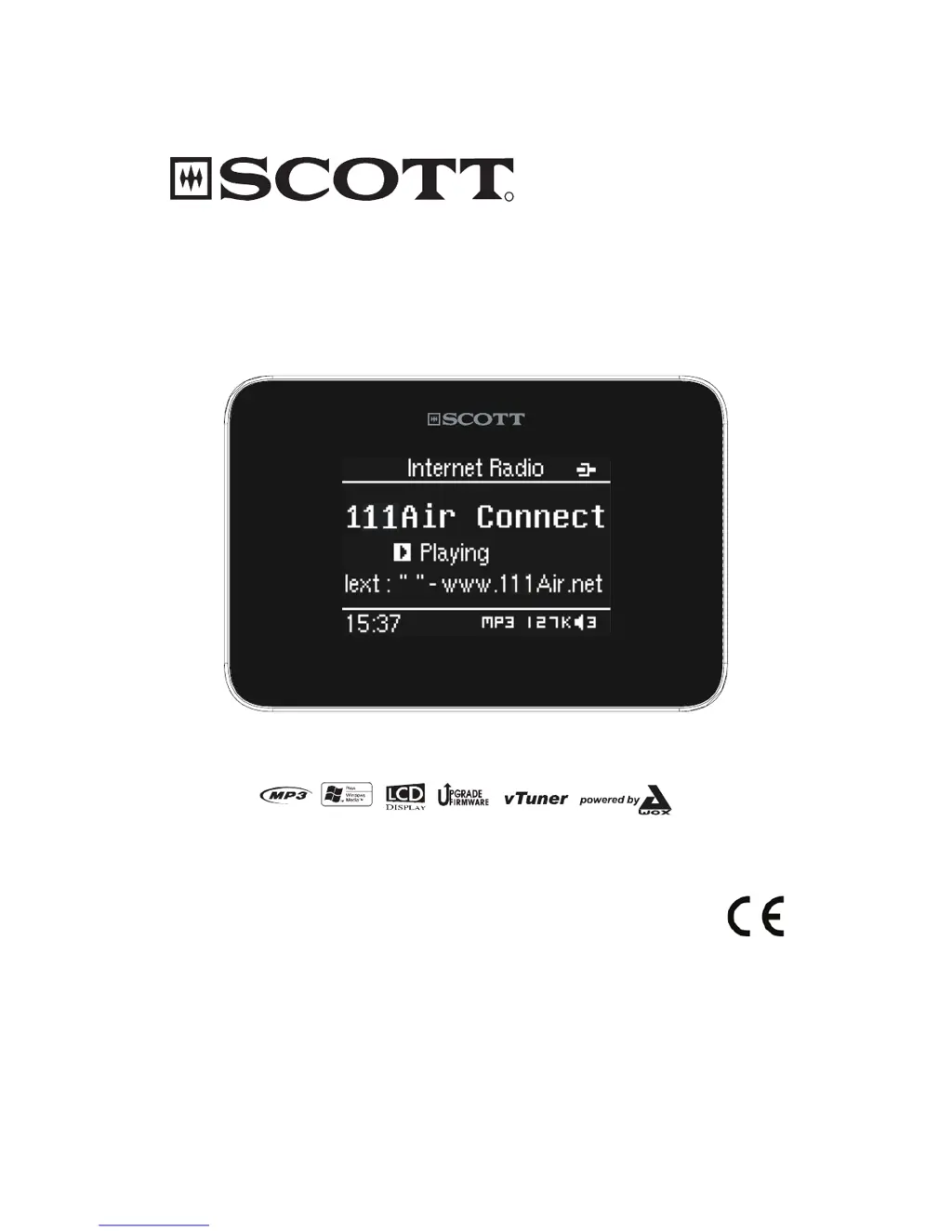
SCOTT DXi 50 WL - User Manual

SCOTT DXi 50 WL
14 pages
Print Icon
To Next Page IconTo Next Page
Loading...
R
!"#$%&$'($
Wi-Fi Internet / Ethernet Radio with
USB port and SD/MMC Player
Instruction Manual

Questions and Answers

Summary

Precautions for Safe Operation

Placement Guidelines

Guidelines for proper placement of the unit to ensure safe and optimal operation.

General Safety Instructions

Essential safety instructions for connecting and operating the unit, including power cord handling.

Location of Controls and Displays

Internet Radio Prerequisites

Connecting the Unit

Wired Ethernet Connection

Steps to connect the radio using an Ethernet cable to the router and modem.

Wireless Wi-Fi Connection

Guide to establishing a wireless connection to the internet radio.

Connecting Power and Peripherals

Power Supply Connection

Instructions for connecting the AC/DC adapter to power the unit.

Remote Control Battery Installation

Battery Usage Precautions

Important safety warnings and precautions regarding battery handling and replacement.

Basic Unit Operations

On;Standby Mode

How to switch the unit between active and standby modes using the power button.

Menu Navigation

How to use the MENU button to cycle between main menu and playback display.

Navigation and Data Entry

Using navigation buttons to select items and enter text or numbers for settings.

Time Setting Procedures

Internet Radio Service

Ethernet Connection Setup

Specific network configuration steps for Ethernet connection (DHCP or STATIC IP).

Wi-Fi Network Connection

Steps for scanning, selecting, and connecting to available Wi-Fi networks.

Recording Functionality

Media Server Setup and Playback

Maintenance and Troubleshooting

No Internet Connection Issues

Troubleshooting steps for resolving problems with establishing an internet connection.

Summary

Precautions for Safe Operation

Placement Guidelines

Guidelines for proper placement of the unit to ensure safe and optimal operation.

General Safety Instructions

Essential safety instructions for connecting and operating the unit, including power cord handling.

Location of Controls and Displays

Internet Radio Prerequisites

Connecting the Unit

Wired Ethernet Connection

Steps to connect the radio using an Ethernet cable to the router and modem.

Wireless Wi-Fi Connection

Guide to establishing a wireless connection to the internet radio.

Connecting Power and Peripherals

Power Supply Connection

Instructions for connecting the AC/DC adapter to power the unit.

Remote Control Battery Installation

Battery Usage Precautions

Important safety warnings and precautions regarding battery handling and replacement.

Basic Unit Operations

On;Standby Mode

How to switch the unit between active and standby modes using the power button.

Menu Navigation

How to use the MENU button to cycle between main menu and playback display.

Navigation and Data Entry

Using navigation buttons to select items and enter text or numbers for settings.

Time Setting Procedures

Internet Radio Service

Ethernet Connection Setup

Specific network configuration steps for Ethernet connection (DHCP or STATIC IP).

Wi-Fi Network Connection

Steps for scanning, selecting, and connecting to available Wi-Fi networks.

Recording Functionality

Media Server Setup and Playback

Maintenance and Troubleshooting

No Internet Connection Issues

Troubleshooting steps for resolving problems with establishing an internet connection.

SCOTT DXi 50 WL Specifications

General IconGeneral
BrandSCOTT
ModelDXi 50 WL
CategoryRadio
LanguageEnglish

Related product manuals