Page 16 of 20
II. EMPTY SYSTEM FUNCTION
It is recommended to use the empty system function before storing or before taking to repair
agent.
1. Switch on the appliance.
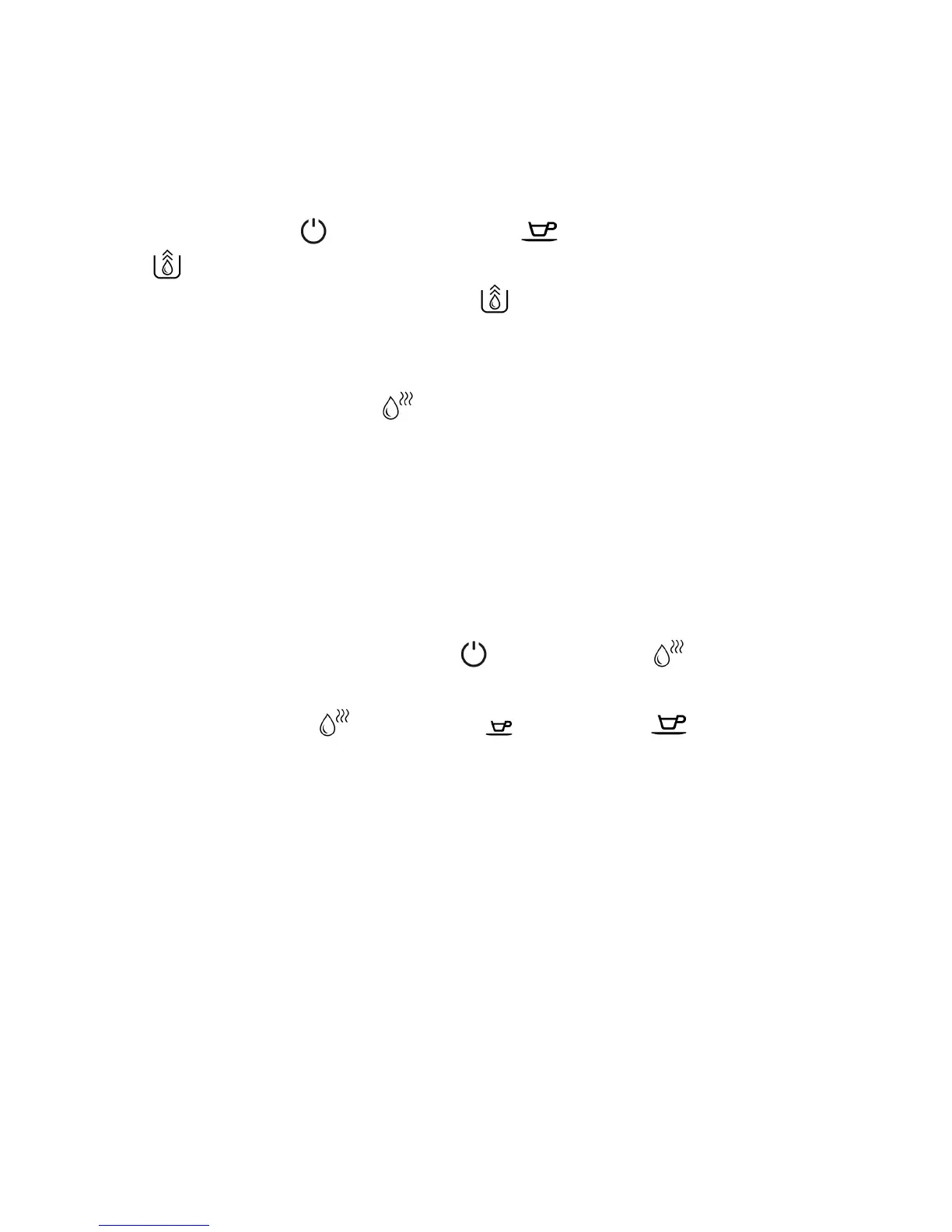
2. Press and hold the button and Lungo button simultaneously for 5 seconds.
3. will then be flashing.
4. Remove the water tank from the appliance.
will light up stably and indicate that the
empty system is under process. The coffee spout will dispense a small amount of water.
5. After completing the empty system function, the appliance will switch off automatically.
Important: Press hot water button to clean the inner parts of the coffee machine when
it is used again.
III.
MANUAL RINSING
Perform a manual rinsing cycle to clean the coffee spout after use, or after the appliance
is stored for a long period of time.
1. Switch on the appliance.
2. Press and hold the Power ON/OFF button and hot water button simultaneously
for 5 seconds.
3. The hot water button
, Espresso button and Lungo button will go off.
The coffee spout will dispense a small amount of water.
Danger: Hot water will be dispensed from the spout into the external drip tray. Be careful to
avoid scalding yourself.
4. After rinsing, the appliance will resume to standby condition.
IV. CLEANING THE APPLIACNE
1. Disconnect the power cord from the mains supply outlet.
2. Pour away all water in the internal and external drip tray.
3. Use a damped cloth or non-scratching cleaner to clean the water stains on the appliance.
Important: Never use any abrasive, vinegar or descaling agents not included in the box to
clean the appliance.


 To Next Page