1. SD (TF) Recording
All our WiFi cameras come with 16GB built-in
memory which you can store 100+ hrs of video.
The recording feature works independently and
will record as long as the camera is powered ON.
The best way to record is by motion (alert)
detection.
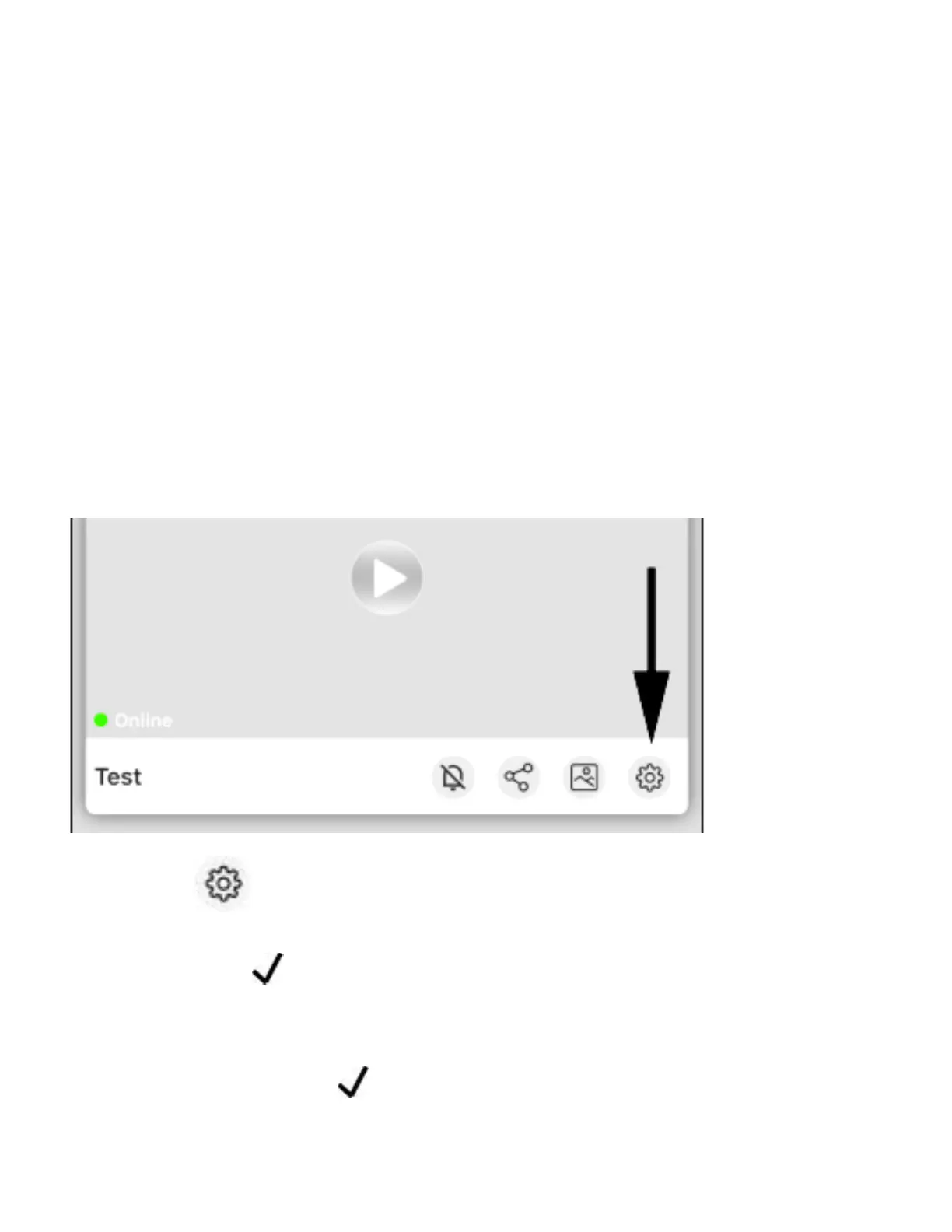
1. Press Record Setting Alert
2. Press OK and go back one screen.
3. Press Motion Detection Setting Motion Alert
turn it ON
(You can also control “Push Notifications” here)



 To Next Page