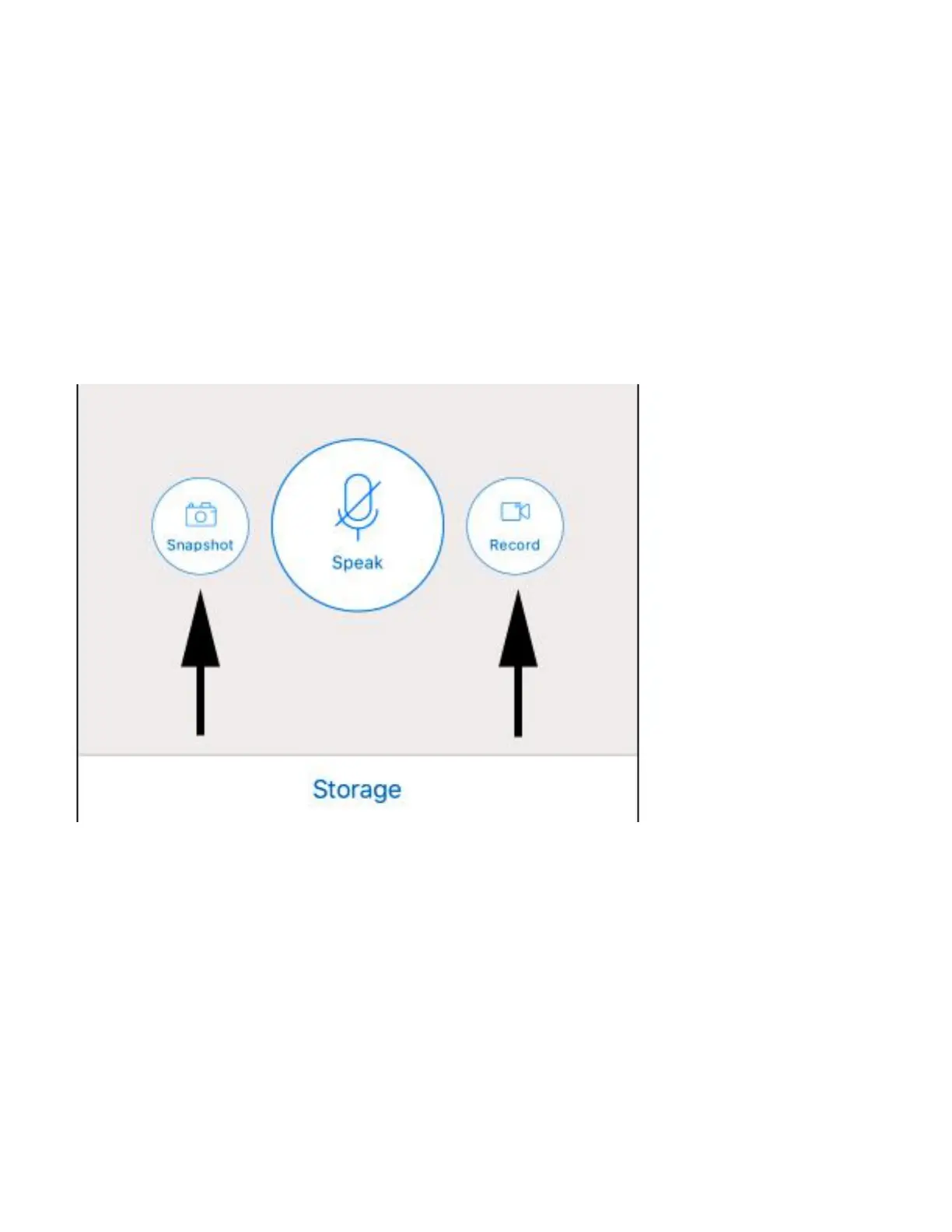
3. Spot Recording
On top of its ongoing SD card recording, you can
spot record or take a snapshot manually. This is a
redundancy feature to record an incident while
watching live.
Choose [Local] folder to playback or move the
video to the [download] folder. Once moved to
the [dowload] folder, you can then save it to your
phone’s albumn.



 To Next Page