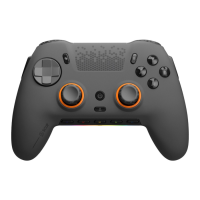
SCUF Envision | 24 Quick Start Manual | English
VIBRATION:
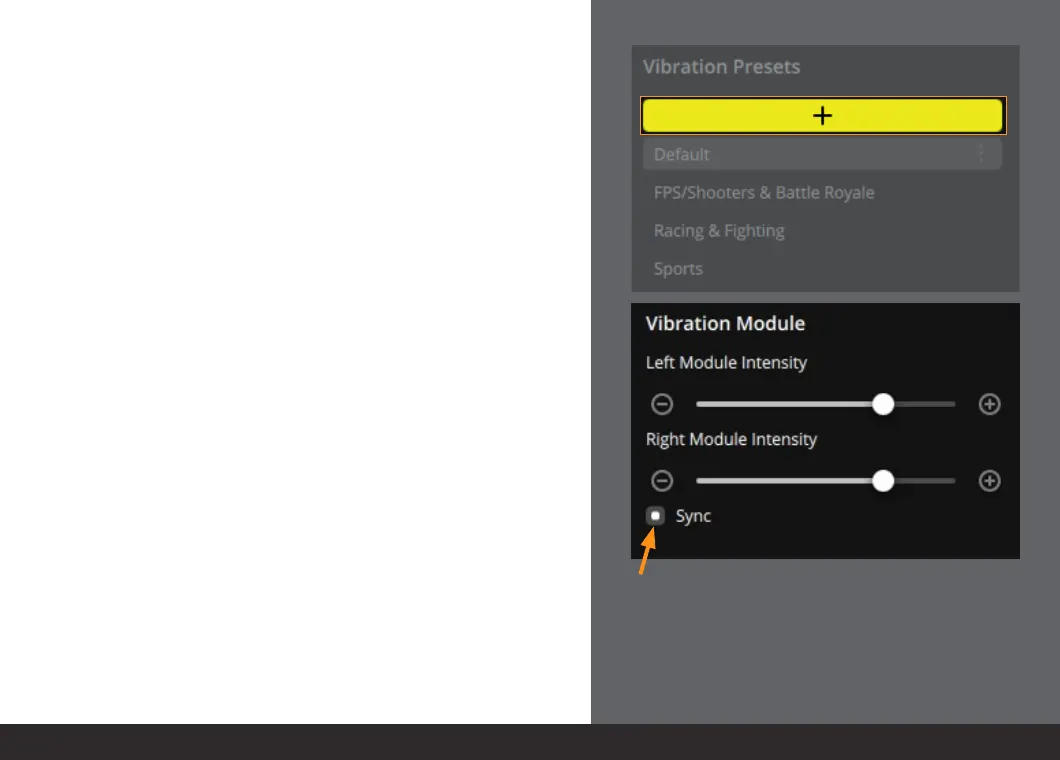
The vibration section allows you to set your vibration intensity.
You can use the available presets or create your own preset.
To create your own preset press the “+” button.
Next, use the sliders to set your desired vibration intensity.
Please note that both the left and right sliders will mirror
each other when the “Sync” button is on.


 To Next Page