◆ In DHCP close status:
HDCP switch: If the DHCP switch has been closed, user can set IP, Subnet
and Gate address. In this moment, click the “Save Change” button to save
current status information. (Attention: If user have set the IP address, click
the “Save Change” button. In this moment, user need set the IP address
again to your PC/laptop/mobile Internet Explorer and click “Search” to enter
Web GUI page.)
Net Status button: Click this button will refresh current network configuration
information to display in Status Log.
In this unit, Mac address can check only, you can not set it.
② Display the network configuration information.
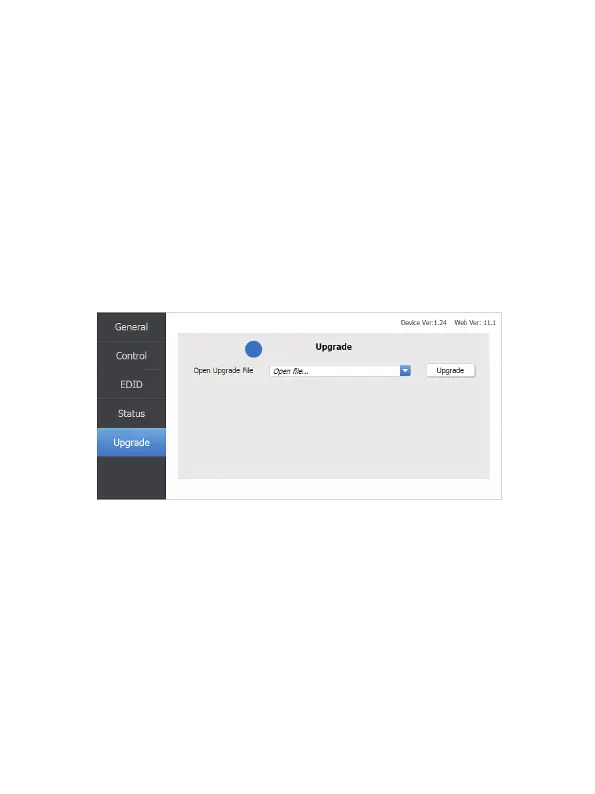
Upgrade page
① Open upgrade file to upgrade.
1
10/12
Website: www.seada.co.uk E-mail: sales@seada.co.uk



 To Next Page