Rev. 2013.08.19 17
The control word options supported are :
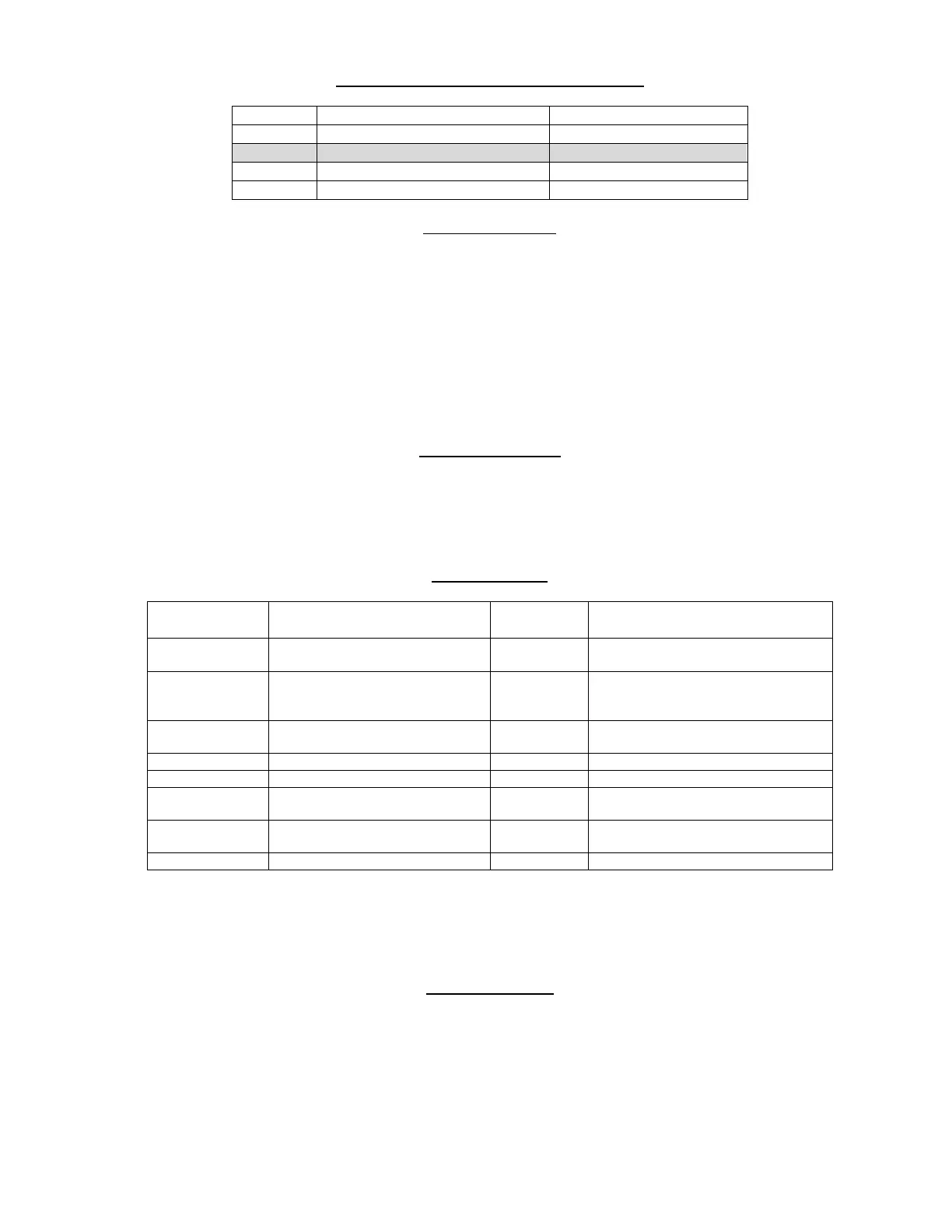
Code Multivend Forced Vend
1 No – single vend No
2 Yes - multivend No
3 No – single vend Yes
4 Yes - multivend Yes
SOUND (ON/OFF)
1. Press the scroll buttons (
and 10) repeatedly until
Displays So.00
2. Press Selection Button 1 to toggle the setting
Displays So.01
3. Press any other Button to exit to the next menu option
A value of 1 enables the sound, 0 disables the sound.
***RECOMMENDED CODE:
1 (ON)
DISPLAY ERRORS
1. Press the scroll buttons (
and 10) repeatedly until
Displays Er.- -
In this mode, press any selection button (other than 9 or 10) to display error codes in sequence,
shown as Er.nn where nn is the error number.
ERROR CODES
Error Code
Number
Fault detected Hard/Soft
fault
Action
01 .. 60 Motor A1 .. F10 respectively
Soft Repair/replace motor/home switch
70 Refrigeration Error Hard Check connection to temperature
sensor, check connection to Aux
Terminal on main control board
80 Coin Changer fault Hard Repair/replace coin changer or
disable the coin changer
81 Changegiver Out Of Change Soft Fill Tubes
82 Error in credit value Soft None
85 MDB Bill Reader fault Hard Repair/replace Bill Reader or disable
the bill reader
90 MDB Card Reader fault Hard Repair/replace Card Reader or
disable the Card reader
91 Error in Bill credit value Soft None
Soft Errors – unit will continue to operate though failed motors will show as “Sold Out” and be
blocked from operation if selected.
Hard Errors – the unit is put out of service. This mode can only be cleared via the menus.
CLEAR ERRORS
1. Press the scroll buttons (
and 10) repeatedly until
Displays CE.- -
In this mode, press any selection button (other than 9 or 10) to clear all errors – confirmed with a
“CLr” display.



 To Next Page