Rev. 2013.08.19 18
SET CLOCK
1. Press the scroll buttons (
and 10) repeatedly until
Displays CL.- -
In this mode, press the selection buttons listed below to set the current time, date and day of week:
1. Time – displayed in a 24-hour clock format as HH.MM Press 4 digits in turn to set the
time.
2. Date – displayed as DD.MM Press 4 digits in turn to set the date and month.
3. Year – displayed as y-YY Press 2 digits in turn to set the year (00 – 99).
4. Day of Week – displayed as d-- n enter a single digit to set the day of week (1 =
Sunday, 2 = Monday … 7=Saturday)
In this mode, press the selection buttons listed below to set the unit Serial Number and Asset
Number (4 digits only):
A Asset Number : Press 4 digits in turn to set the value.
B Serial Number : Press 4 digits in turn to set the value.
MDB PAYMENT DEVICES
1. Press the scroll buttons (
and 10) repeatedly until
(where ** is current value)
You are now in Payment Device Setting
Displays Pd. **
2. Press a numeric selection (1
) to change the value
Displays Pd. **
The Payment Device code is now set
***RECOMMENDED CODE: 3
The payment device values supported are :
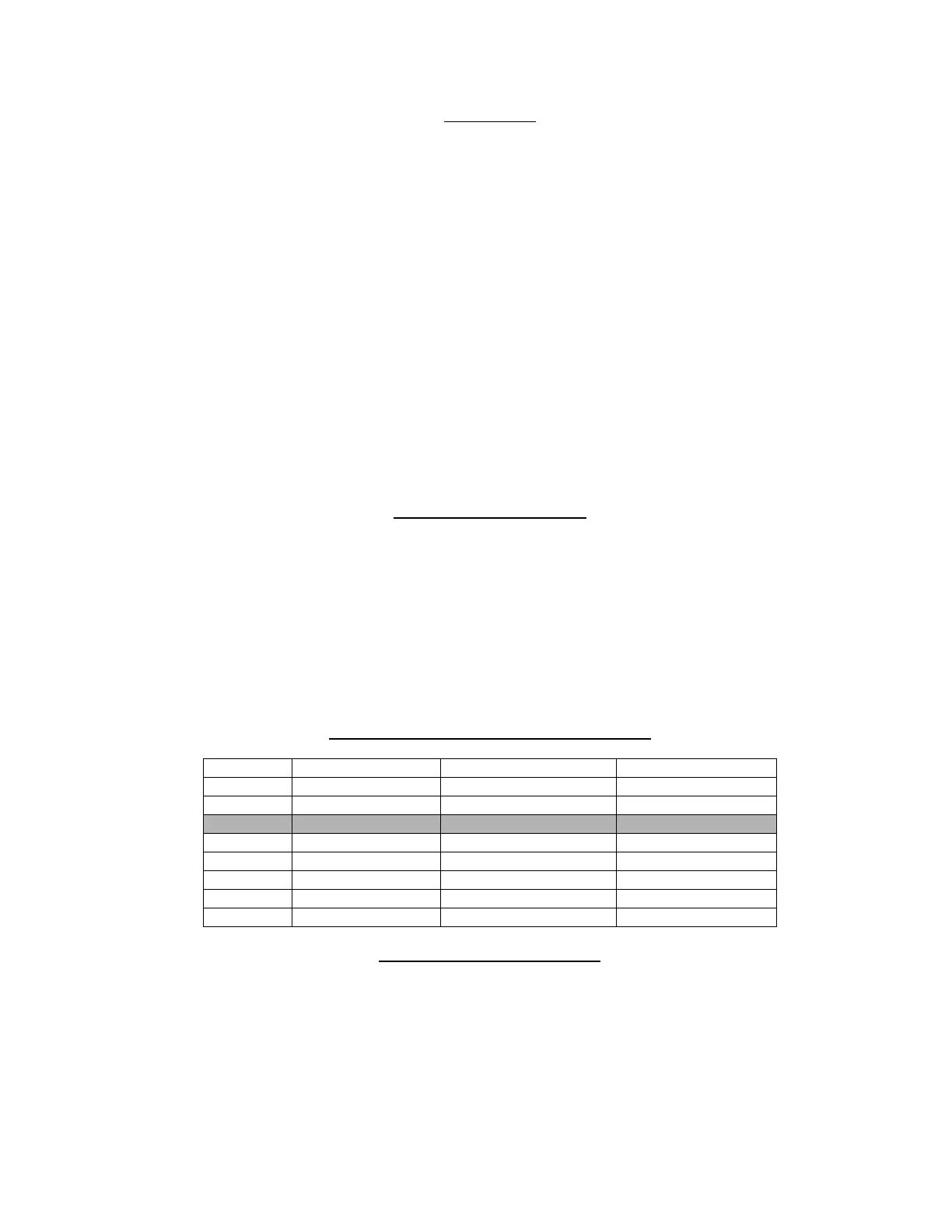
alue Coin Changer Bill Validator Card Reader
1 ON OFF OFF
2 OFF ON OFF
3 ON ON OFF
4 OFF OFF ON
5 ON OFF ON
6 OFF ON ON
7 ON ON ON
8 OFF OFF OFF
HOME AND COUNT MOTORS
1. Press the scroll buttons (
and 10) repeatedly until
Displays Ho.nn
In this mode, press and key other than 9 or 10 to home and count the Motors. The LED display will
show the row/column being homed, and each motor will activate in sequence – each helix coil will
turn and each can and bottle motor will rotate. If products are loaded, one of each product will be
vended. If the circuit board is reading the motors correctly, a cumulative count of motors is
displayed on the LED. If there is a circuit/motor problem on a particular selection, “Err” will appear
on the LED after each faulty selection number.



 To Next Page