Rev. 2013.08.19 23
BILL RETRIEVAL
The bills your customers spend are kept in the Bill Storage Box.
1. To Retrieve Bills.
a. Unlock and open the Front Door.
b. Pull the Vertical Shelf out.
c. Open door located on top of bill collection box.
d. Close top door on bill collection box after bills are retrieved.
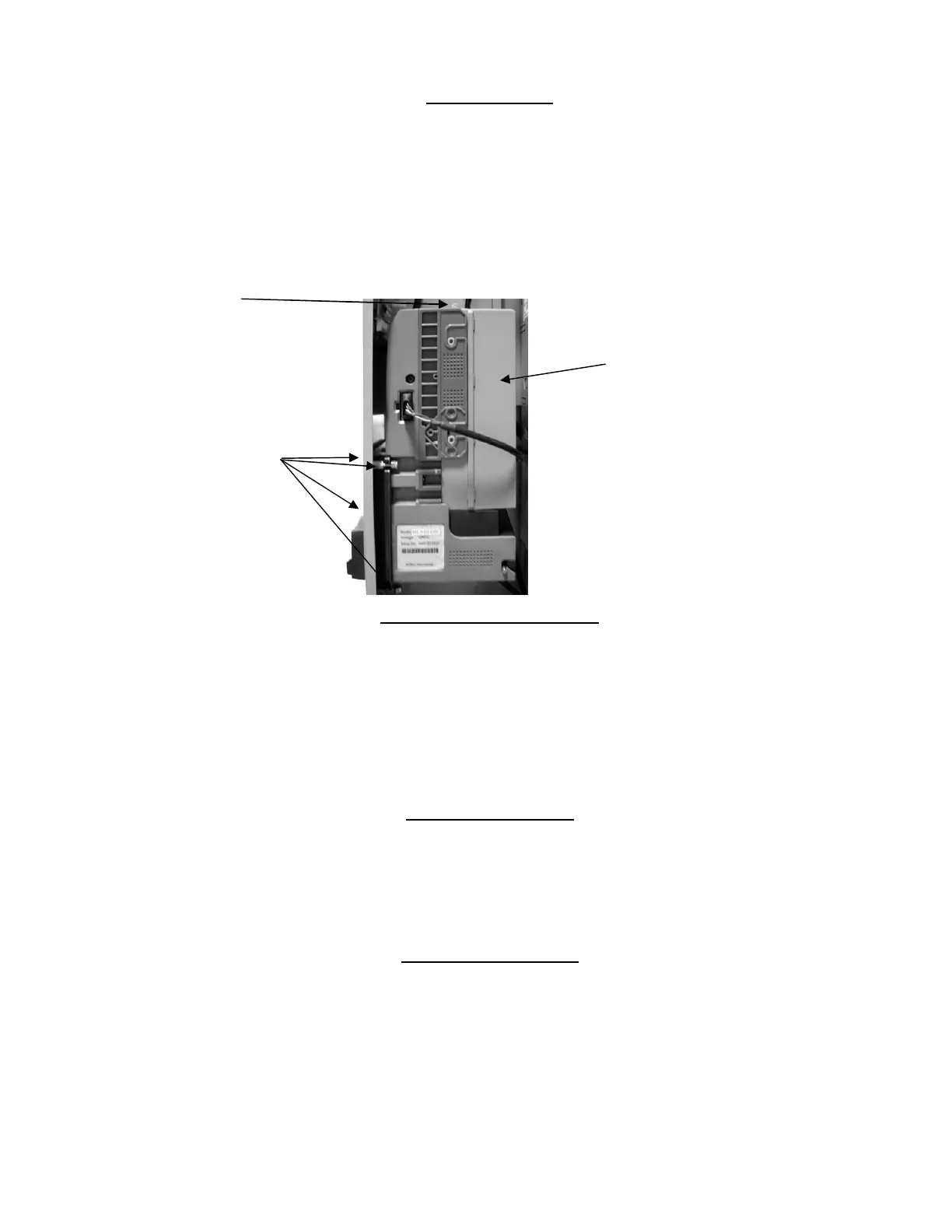
Figure 19 – Bill Storage Box
REMOVING BILL VALIDATOR
From time to time it may be necessary to remove the Bill Validator for cleaning and clearing jams.
1. To remove the Bill Validator.
a. Unlock and open the Front Door, unplug vendor.
b. Pull the Vertical Shelf out.
c. Pull Tab forward and lift Bill Storage Box.
d. Disconnect Bill Validator from Wiring Harness.
e. Remove the Four (4) Mounting Nuts. (Fig. 19)
f. Remove Bill Validator
CLEARING BILL JAMS
It is possible that a torn or damaged bill can jam within the Bill Validator, putting it out of service.
1. To Clear a Jam.
a. Remove Bill Validator as above.
b. Press Tab on bottom of Bill Validator, and pull Lower Housing free.
c. Remove Jam, and reassemble.
REFRIGERATION DECK
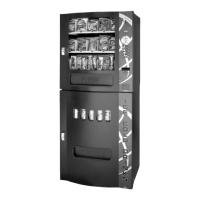
Your Beverage unit incorporates a high efficiency refrigeration system having two air circulation fans
to chill the cans and bottles. The refrigeration unit can be easily accessed by opening the Beverage
unit door and sliding the front panel up and out. Remove the retainer fastener at the mid-point of the
refrigeration deck and unplug the three wire harnesses (Fig. 20). The refrigeration deck can now be
pulled out from the vendor. Please make sure you unplug wire harnesses prior to pulling all the way
out.
The refrigeration deck is a pullout modular system consisting of Compressor, Condenser, Condenser
fan, Evaporator, Evaporator Fan, Accumulator or Dryer, and Temperature Sensor which
Tab
Bill
Storage
Box
(4)Mounting
Nuts



 To Next Page