2. Setting up the Seagate Wireless Plus Device Step 4: Connecting to Your Seagate Wireless Plus
Seagate Wireless Plus User Guide 10
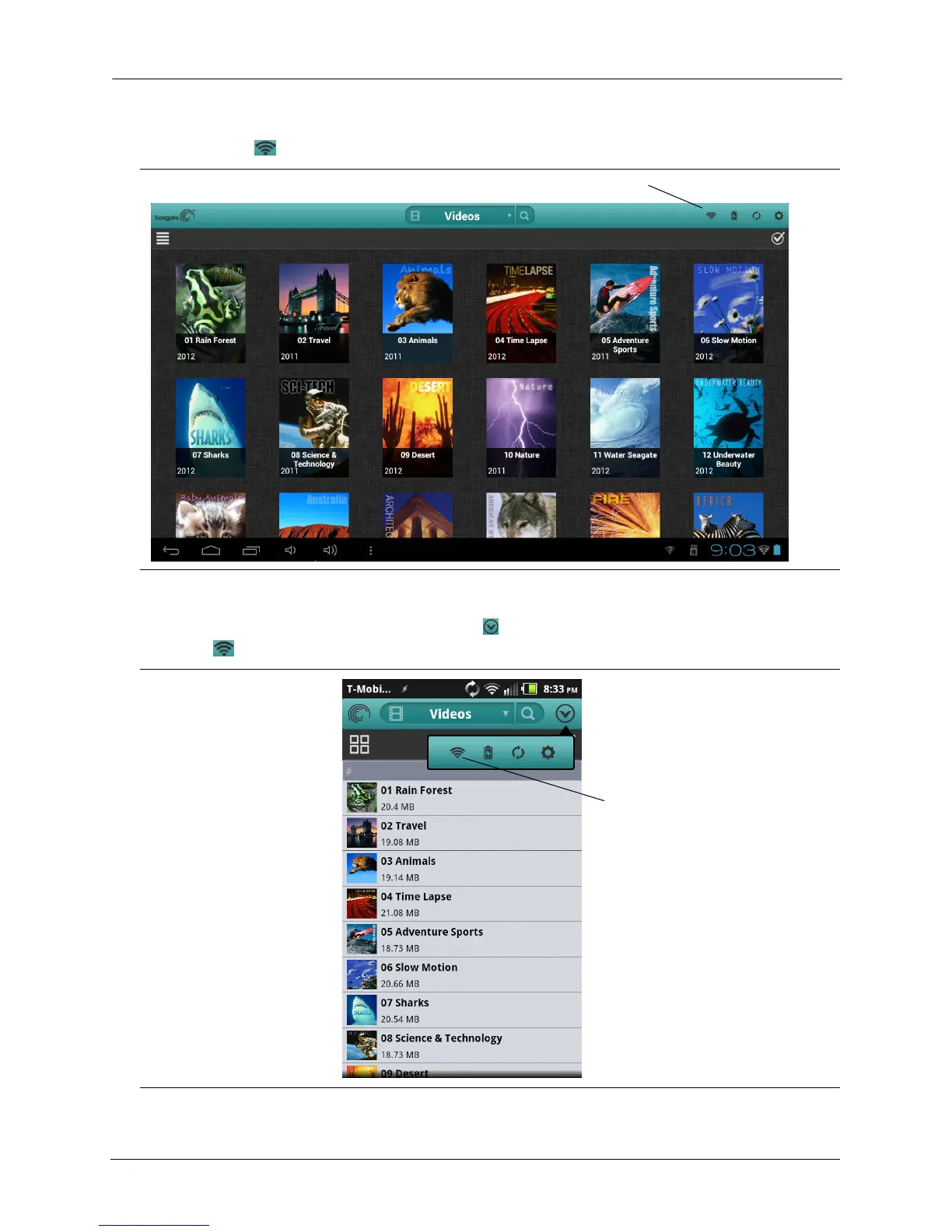
1. Click the Wi-Fi icon at the top of the Seagate Media App.
On smartphones and similar devices, tap the icon on the right side of the screen, then tap
the Wi-Fi icon.
Figure 3: Location of the Wi-Fi icon in the Seagate Media app
Figure 4: Location of the Wi-Fi icon in the smartphone version of the Seagate Media app
Wi-Fi icon
Wi-Fi icon






 To Next Page