2. Setting up the Seagate Wireless Plus Device Step 4: Connecting to Your Seagate Wireless Plus
Seagate Wireless Plus User Guide 11
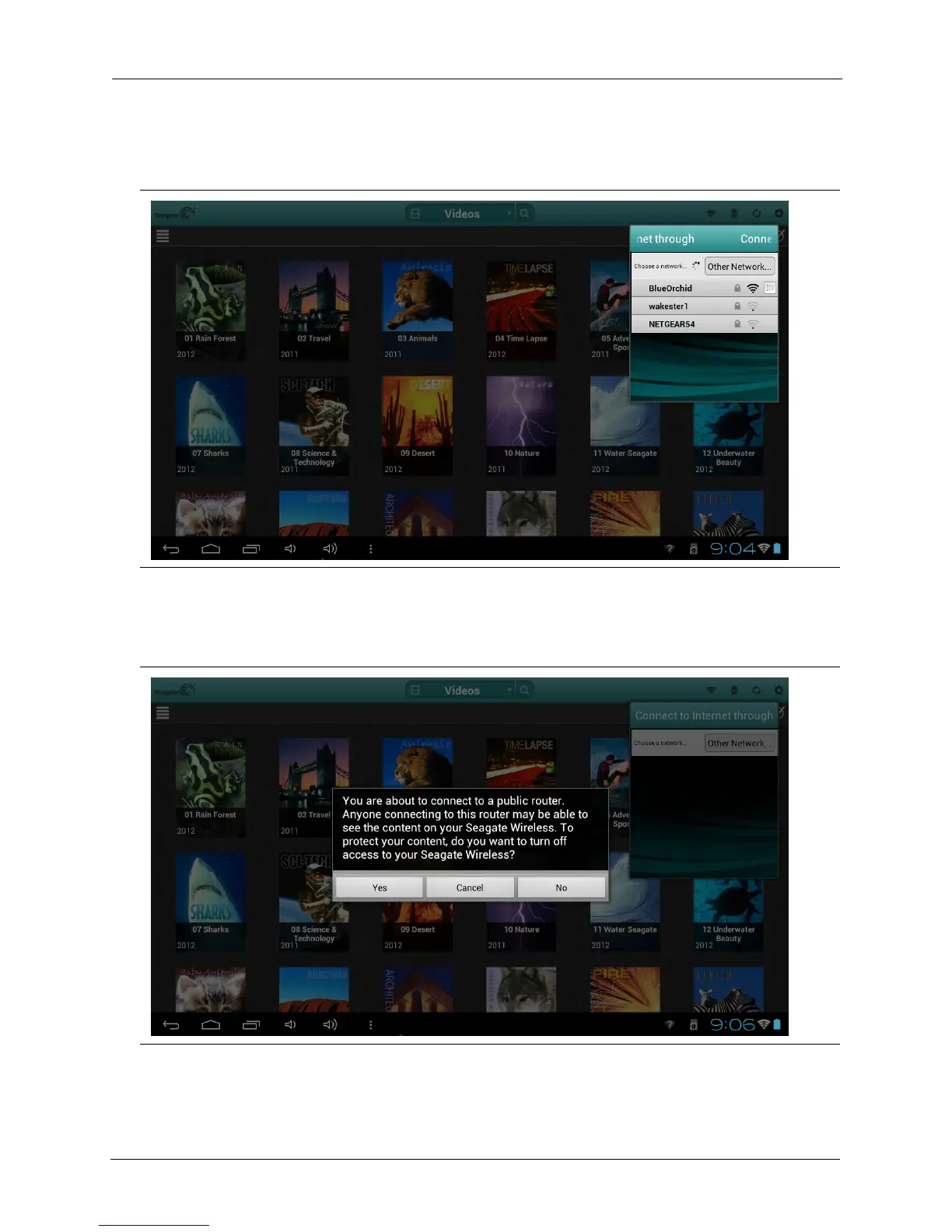
2. Select the network you want to join. If security is enabled on the selected Wi-Fi network,
enter the required password.
3. The Seagate Media app asks whether you want to disable access to the contents of the
Seagate Wireless Plus device for other users.
Figure 5: Connecting to a network
Figure 6: Selecting whether to prevent other users from seeing content on the Seagate Wireless Plus device






 To Next Page