Introducon
System requirements
M.2 (M key) slot, PCIe® G4 ×4 interface (backwards compatible with PCIe G3 interface)
Windows® 10
For RGB LED functionality: Motherboard with 5V addressable header
Parts
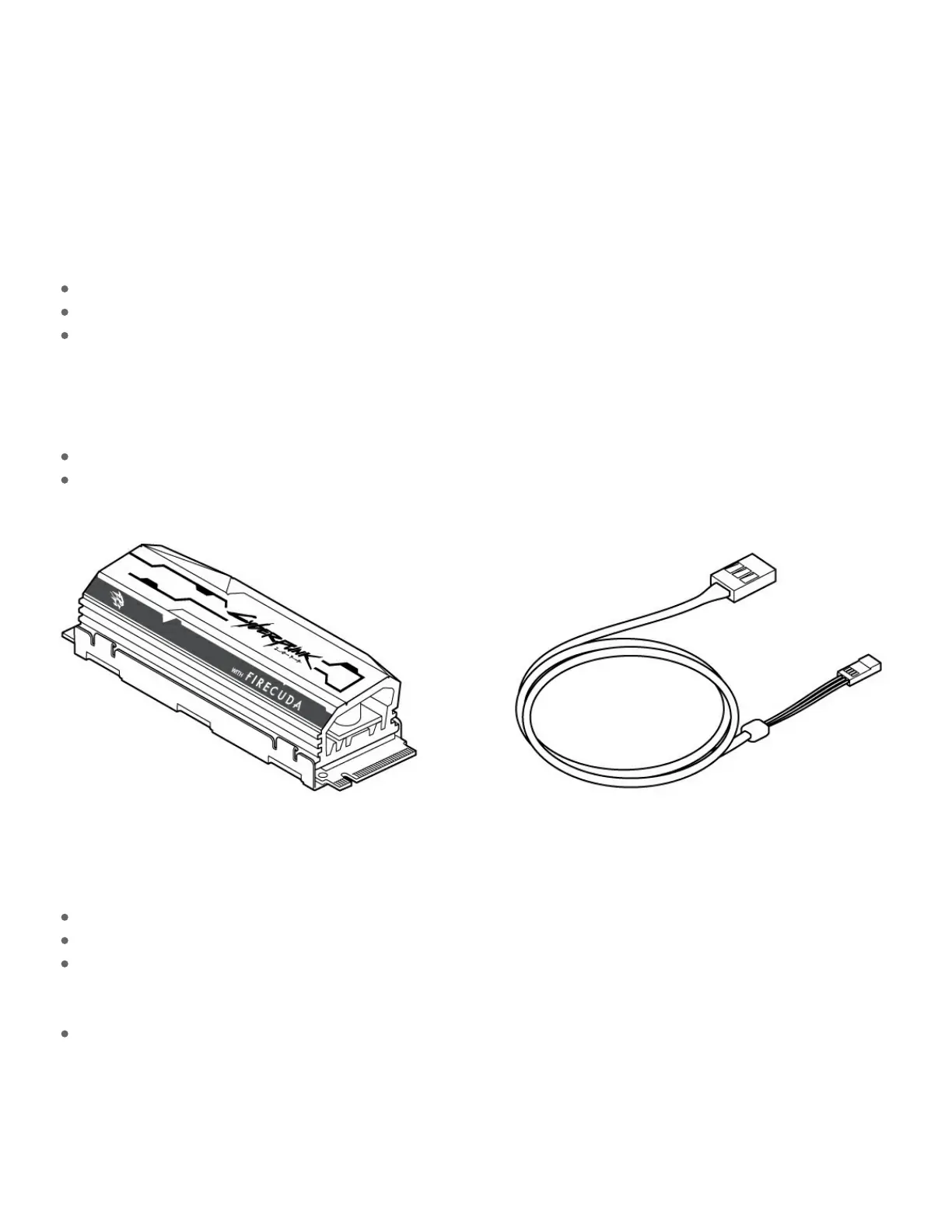
FireCuda 520 SSD with heatsink
Optional 5V addressable RGB connector cable to power and control RGB LED lights
Precauons
Unpack the SSD.
Inspect the SSD for any damages.
For the safety of your SSD, please take the necessary precautions to avoid electrostatic discharge.
Power down and power drain your computer according to the instructions provided in the computer
product documentation.
Back up the data from the existing storage device.










 To Next Page