Reviewer’s Guide: Seagate BlackArmor NAS 440
9
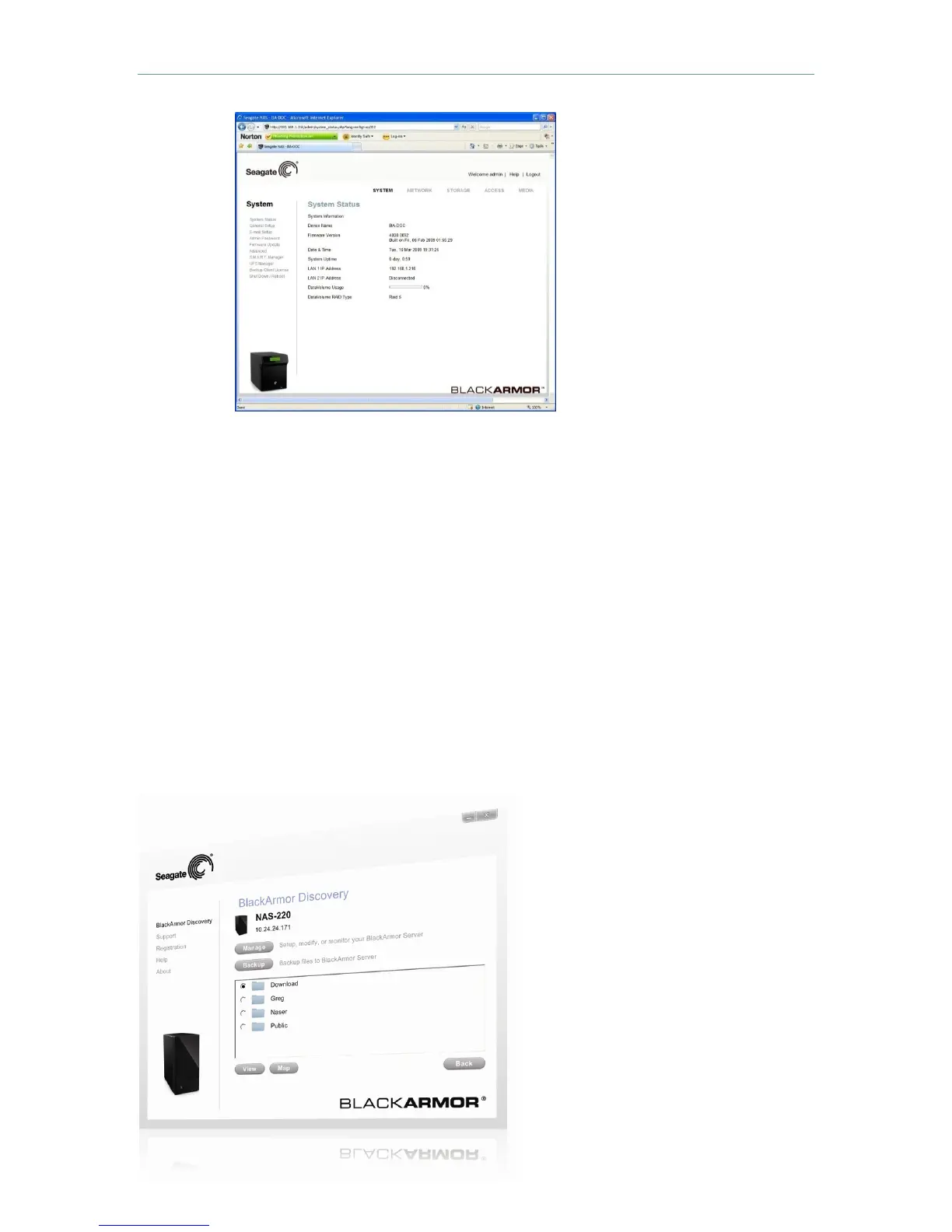
The browser-based
BlackArmor Manager
is used to perform
initial configuration
and all ongoing
management.
Logging into a BlackArmor NAS for the first time launches the Setup Wizard.
2. Click Next then click “I Agree” to accept the Seagate BlackArmor license
3. Customize basic settings (Optional):
•
Enter a name for the NAS. To make the NAS easy to identify on a local
network, give it a unique and easy-to-remember name. The name can be
up to 15 alphanumeric characters long and can include hyphens, but not
spaces.
•
Enter a description for the server.
•
Select the time zone.
•
Change the administrator password.
•
Select the network mode: DHCP to obtain an automatically assigned IP
address or set a static IP address.
•
Click Next, then Finish to complete the setup.
To perform initial BlackArmor NAS
configuration, click Manage to launch the
browser-based BlackArmor
Manager.On the sign-in screen (not
shown), enter “admin” for the user name.
Enter “admin” for
the password.












 To Next Page