Reviewer’s Guide: Seagate BlackArmor NAS 440
14
•
Share a USB printer
•
Connect an Uninterruptable Power Supply
•
NAS to NAS backup
•
Client PC backup
•
FTP file access
Protect Data with File Backups
To protect files from loss, corruption, or accidental deletion, regular file backups are vital.
Several backup scenarios are available. BlackArmor Backup supports creation of full,
incremental, and differential backups.
For complete details on installation and operation, consult the Seagate BlackArmor
Backup User Guide.
BlackArmor Backup
Seagate BlackArmor Backup is an integrated software suite that ensures security of all
information on a PC. (The Macintosh currently is not supported.) It can backup the
operating system, applications, settings and data, while also securely destroying any
confidential data no longer needed. Seagate BlackArmor Backup supports 10 licenses
by default. Additional licenses can be obtained (up to the maximum of 50) by clicking the
“Get More Licenses” button in the main program window.
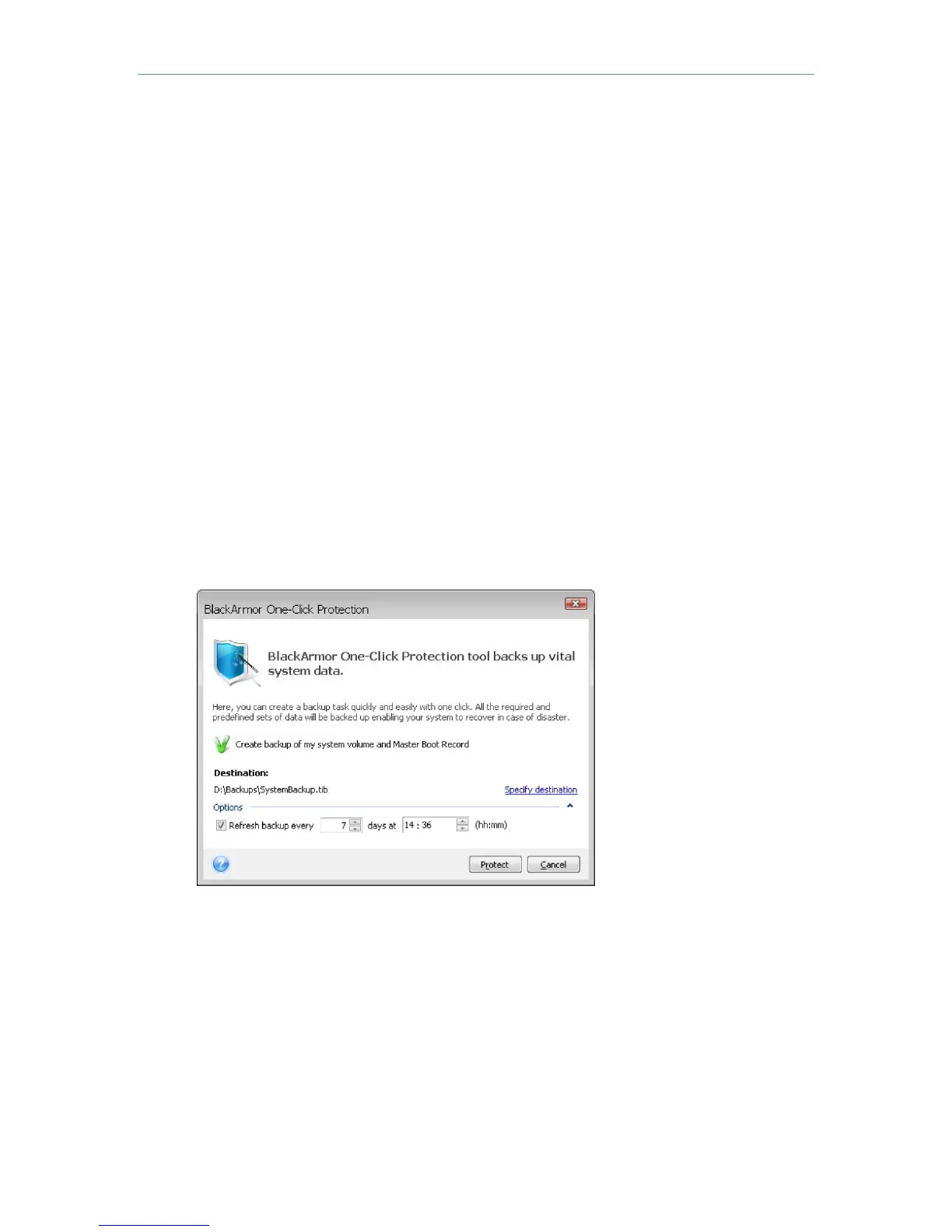
To help users begin
backing up files
immediately, the
Once-Click Protection
tool performs a full
backup of the system
volume.
BlackArmor Backup is designed to assist users in setting up a backup schedule and
provides helpful user-friendly feedback.












 To Next Page