Reviewer’s Guide: Seagate BlackArmor NAS 440
8
installed devices and displays a list. Systems running Windows Vista find the unit
automatically and display a dialog for mapping it to a drive letter.
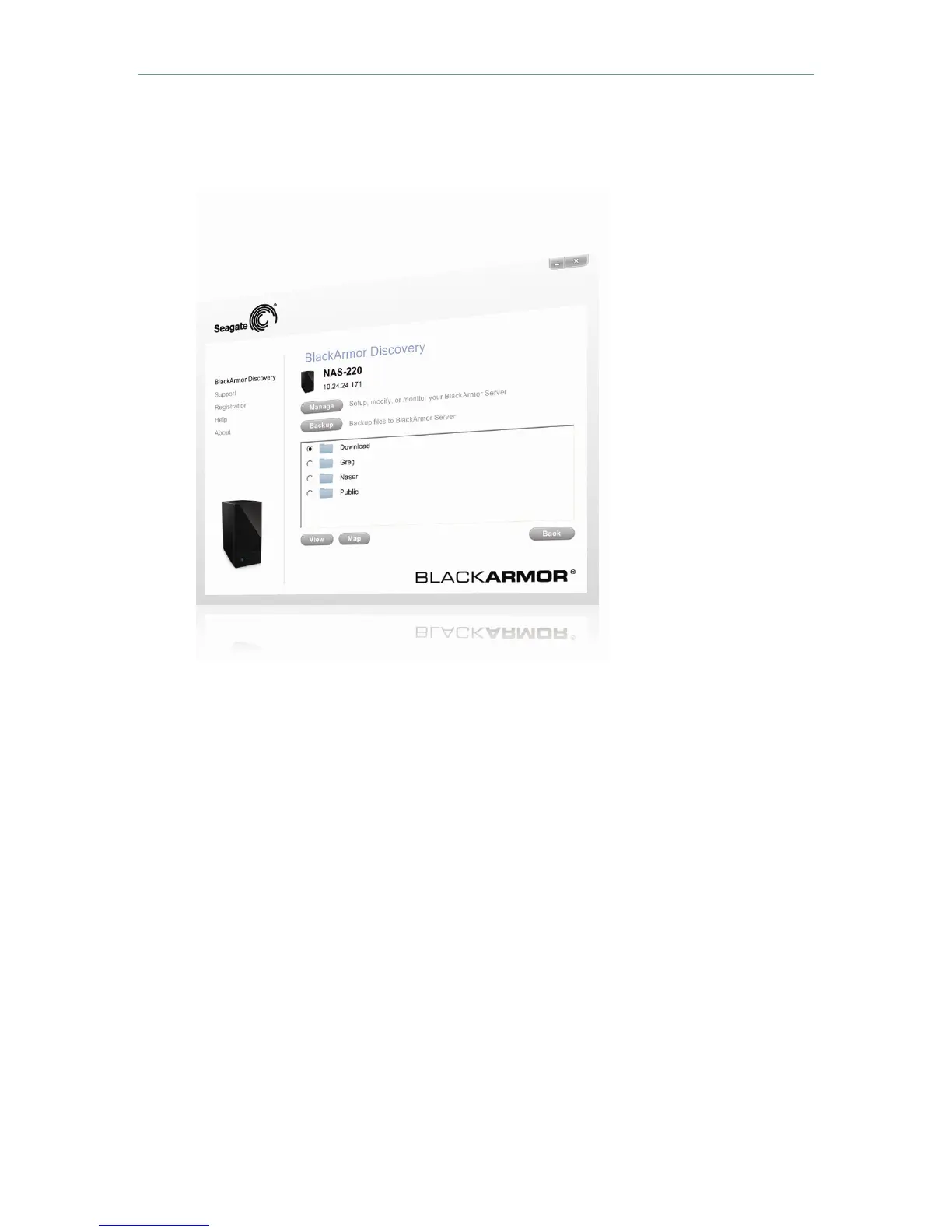
2. Select the BlackArmor unit and (in Windows only) click View Drive Details.
Complete the initial setup with BlackArmor Manager
1. Click Manage to open the browser-based BlackArmor Manager.
Log in using the
default settings. (The user name and password are case-sensitive.)
•
Default user name: admin
•
Default password: admin












 To Next Page