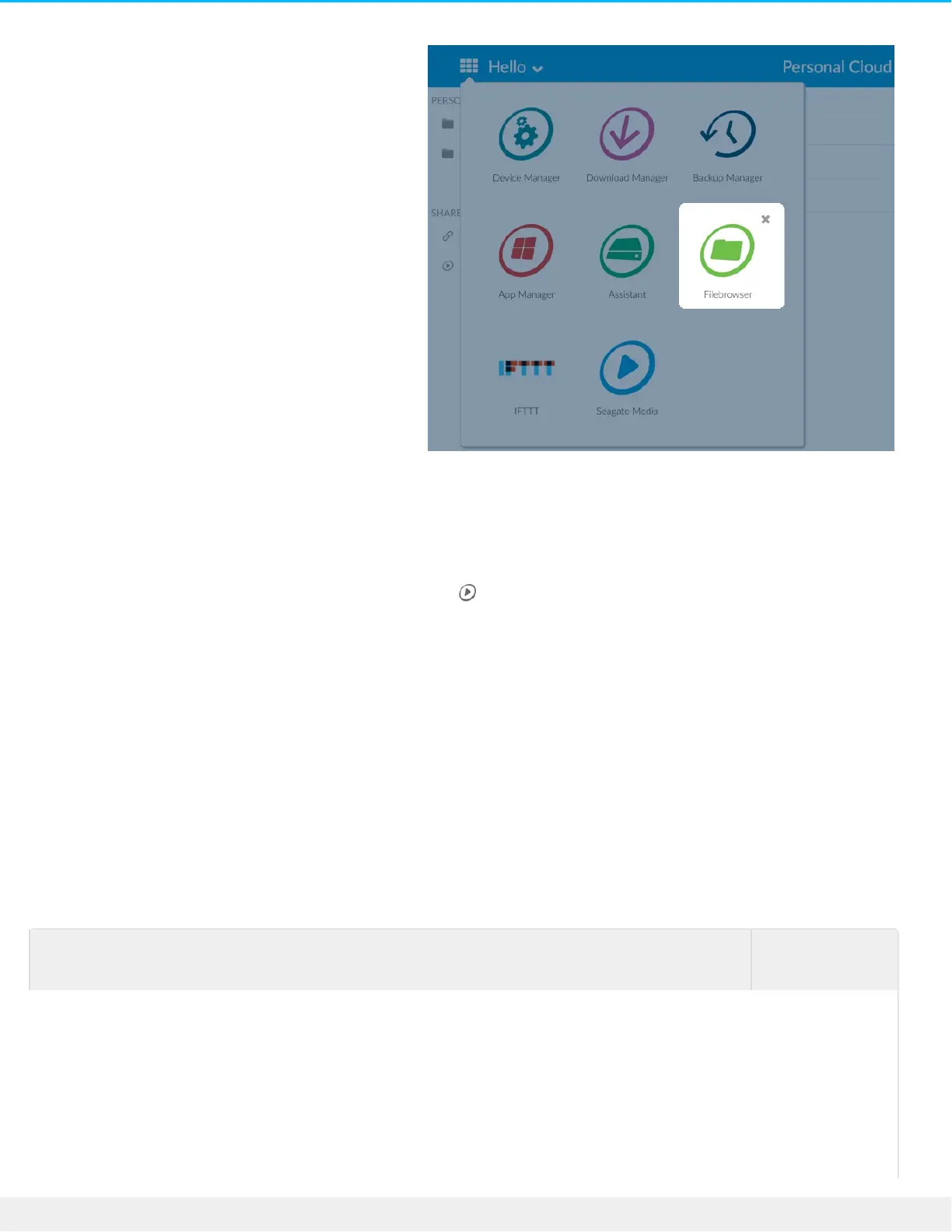
.Open your private user folder .2
.Navigate to the folder you want to provide with Seagate Media access .3
.Click the folder to select it, and then clik Add to Seagate Media. A dialog box appears .4
.Click Save .5
.A Seagate Media icon appears next to any folder you've provided access to
:To remove Seagate Media access
.Click the folder to select it, and then click Remove from Seagate Media .1
Stream media content
You can stream your media from the Public folder on your Personal Cloud to a variety of devices throughout
.your home. You can also stream media to your mobile devices when you're away from home
Stream media at home
To stream
content to your
You need to










 To Next Page