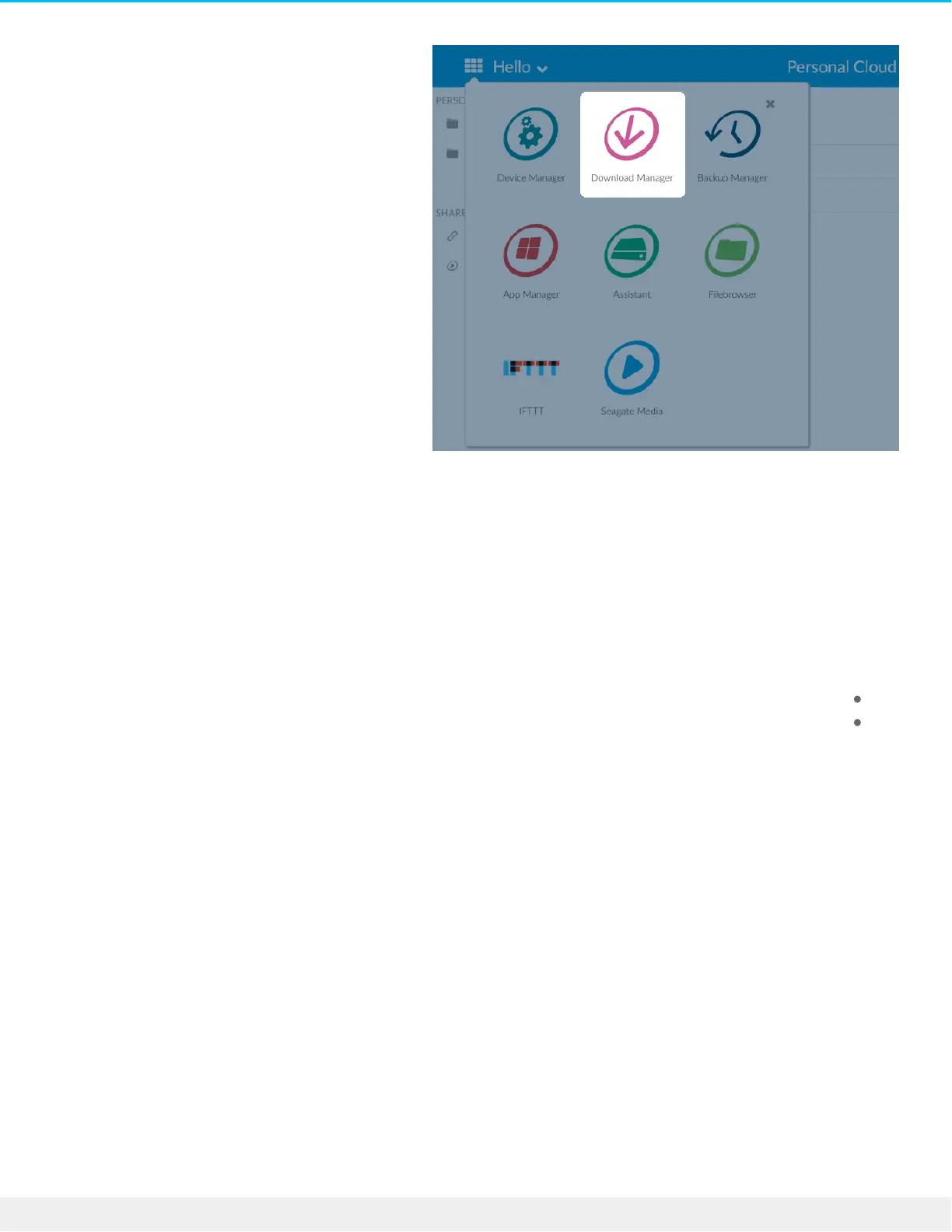
Download large files
.You can download PDF, binary, and torrent files to your Personal Cloud 2-Bay
.Open the Download Manager .1
.Click Jobs .2
.If the service is off, click the slider on the right to turn the service on .3
.Click Add download .4
.Enter the source .5
.If the file is on the Internet, select URL and enter the URL address
.If the file is on your computer and it is a torrent file, select Local and browse for the file
Enter the destination folder on your Personal Cloud 2-Bay .6
.Click Save .7
Manage download sengs
You can change the number of downloads that you can request at the same time and change the download and
.upload rates
.Open the Download Manager and click Settings










 To Next Page