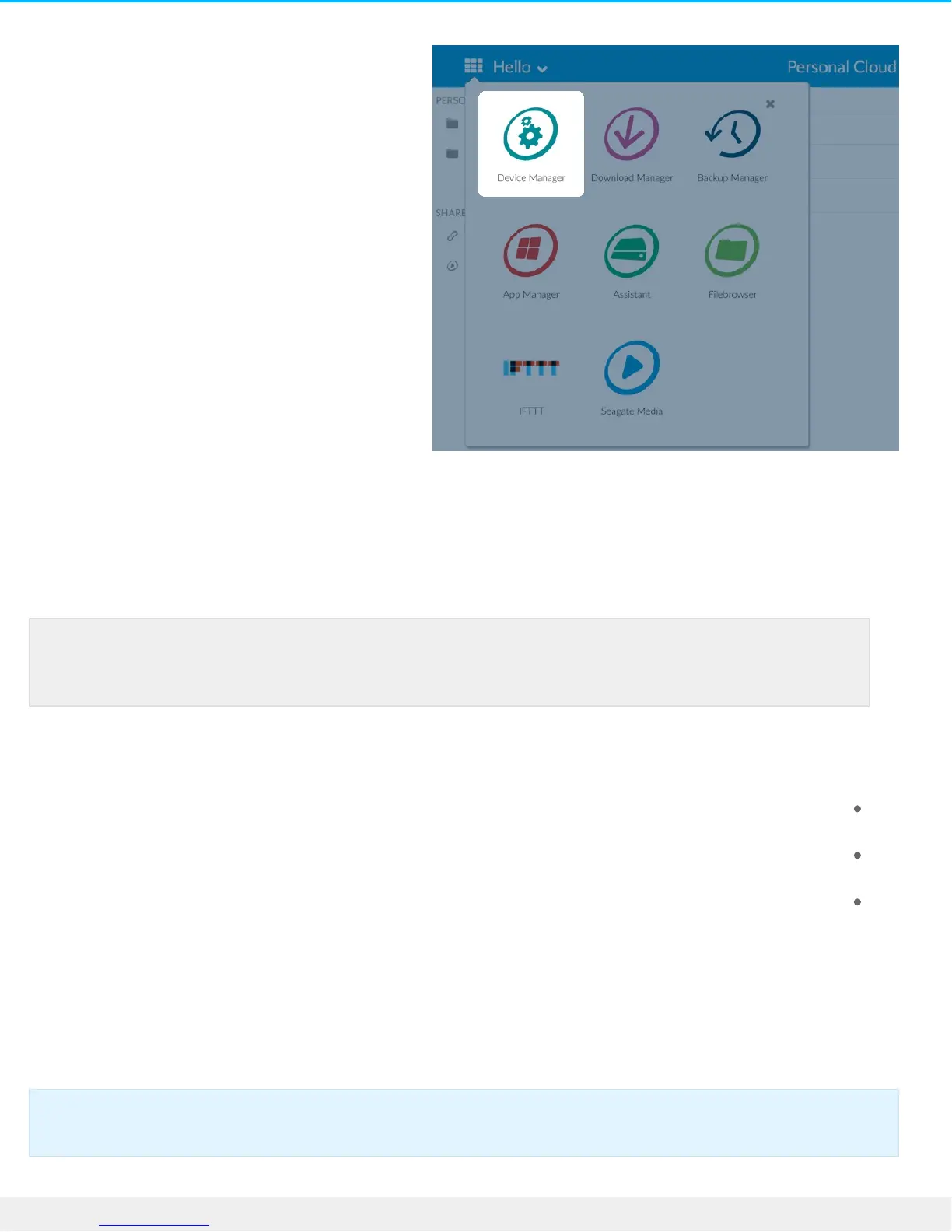
.Click Users .2
Add users
.As the owner, you can invite people at home and outside of your home network to use your Personal Cloud
.Open the Users page .1
. Click Add user .2
:You can add three types of users
Local and remote—A user who has access to your home network and can also have remote access to
.your Personal Cloud when away from home
Local only—A user who can only access the Personal Cloud at home on the local network. You can give
.this user remote access later if needed
Remote only—A user who can only access your home Personal Cloud remotely. You can give this user
.local access later if needed
. Complete the New User form .3
An email with instructions is sent to the new user. Users should check their Spam folder if they have not
received their email invitation. The code is valid for 72 hours. The owner can send a new invitation if the
.code expires
Note: If you want to enable remote access and you haven’t confirmed your Seagate Access
.account, do so now by clicking Confirm Email
.Important info: Your Personal Cloud can have a maximum of 10 users











 To Next Page