.Enter your Personal Cloud username and password .4
(Access using the Finder (Mac only
.Open a Finder window .1
.Under Shared, click PersonalCloud .2
. ... Click Connect As .3
.Select Registered User .4
.Enter your Personal Cloud username and password .5
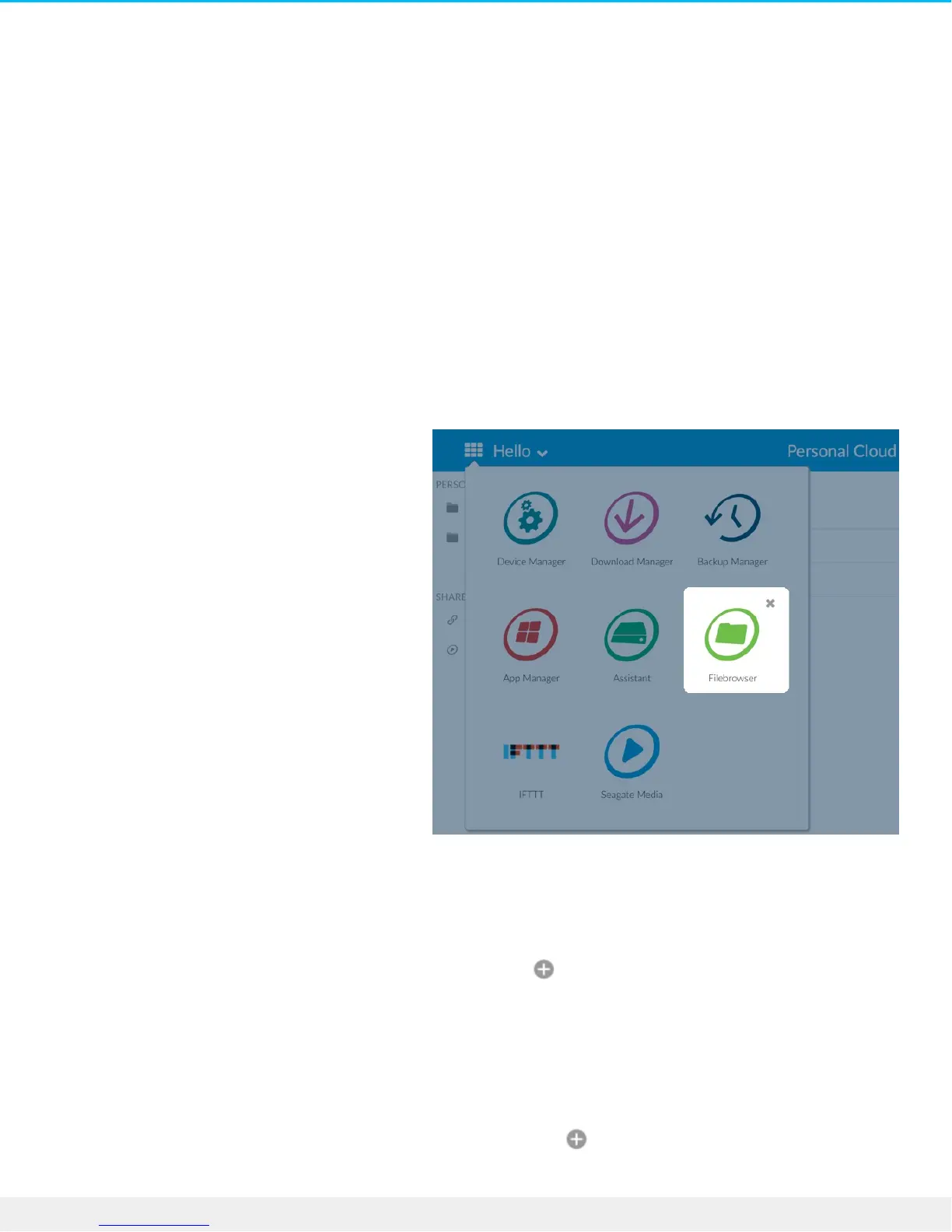
Open the Filebrowser
.Click the Apps icon, and then click on Filebrowser .1
Create a Folder
.Go to the destination folder for your files .1
.Click the Add icon on the top right and choose New Folder .2
.Enter a name for the new folder and click Save .3
Upload files
.Go to the destination folder for your files .1
.Click the Add icon on the top right and choose Upload .2
.Select the files you want to upload .3











 To Next Page