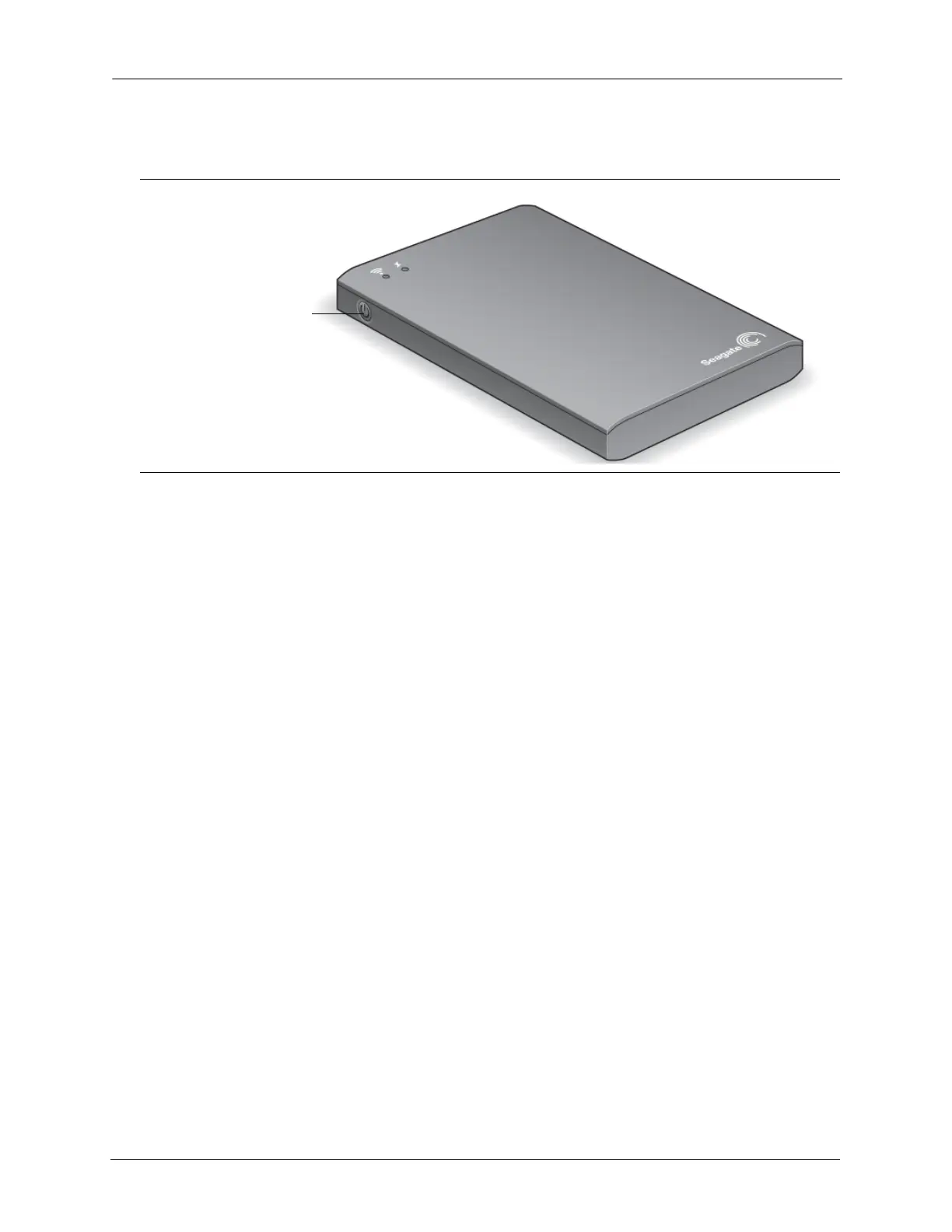
2. Setting up the Seagate Wireless Plus Device Step 1: Powering On
Seagate Wireless Plus User Guide 6
Step 1: Powering On
The Wi-Fi LED blinks as your Seagate Wireless Plus device starts up. When the light is solid
blue, your device is Wi-Fi ready, indicating other devices can connect to it.
Tip: Your Seagate Wireless Plus device comes partially charged from the factory and can run
for approximately 45 minutes. Consider fully charging your device before connecting other
devices to it. For more information on charging, see “Charging the Battery” on page 13.
For more information about all of the components (LED lights, cables, etc.) of your Seagate
Wireless Plus device, review “An Overview of Your Seagate Wireless Plus Device” on
page 12.
Step 2: Connecting to Your Seagate Wireless Plus
Your Seagate Wireless Plus device has its own wireless network. When you connect to it, it
establishes a dedicated link with the Seagate Wireless Plus over Wi-Fi.
You can also connect to the Internet while connected to the Seagate Wireless Plus network.
For example, you can connect from your favorite hotspot while watching a movie or listening
to your favorite music on your device.
Tip: We do not recommend streaming a movie from the Internet while connected to the
Seagate Wireless Plus network.
Select one of these options to help you connect your device to the Seagate Wireless Plus
network:
• Connecting to Your Seagate Wireless Plus from an Apple or Android Device
• Connecting to Your Seagate Wireless Plus From a Mac Computer
• Connecting to the Seagate Wireless Plus from a Smartphone
• Connecting to the Seagate Wireless Plus from a Browser on a Computer
Power Button









 To Next Page