Wireless Plus Setup
This chapter explains each step of the setup process in more detail than what is described in the
.
Installing the Seagate Media app
Use the Seagate Media app on your mobile devices to organize and stream the media stored on the Seagate
.Wireless Plus
On your mobile device, go to the Apple App Store, Google Play Store, or the Amazon website, and then
.find and install the Seagate Media app
Establishing a Wireless Connecon
.Your Seagate Wireless Plus comes partially charged and runs for about 45 minutes
.Consider fully charging it (see Charging the Battery) before connecting other devices
.You can wirelessly connect up to eight devices to your Seagate Wireless Plus
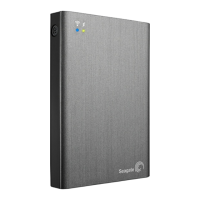
.Press the power button on the side of the Seagate Wireless Plus .1
Note: The same functionality is available on your computer through a Web browser after it is
.wirelessly connected to the Seagate Wireless Plus









 To Next Page