OPERATION
MANUAL
Section 2: SYSTEM OPERATION
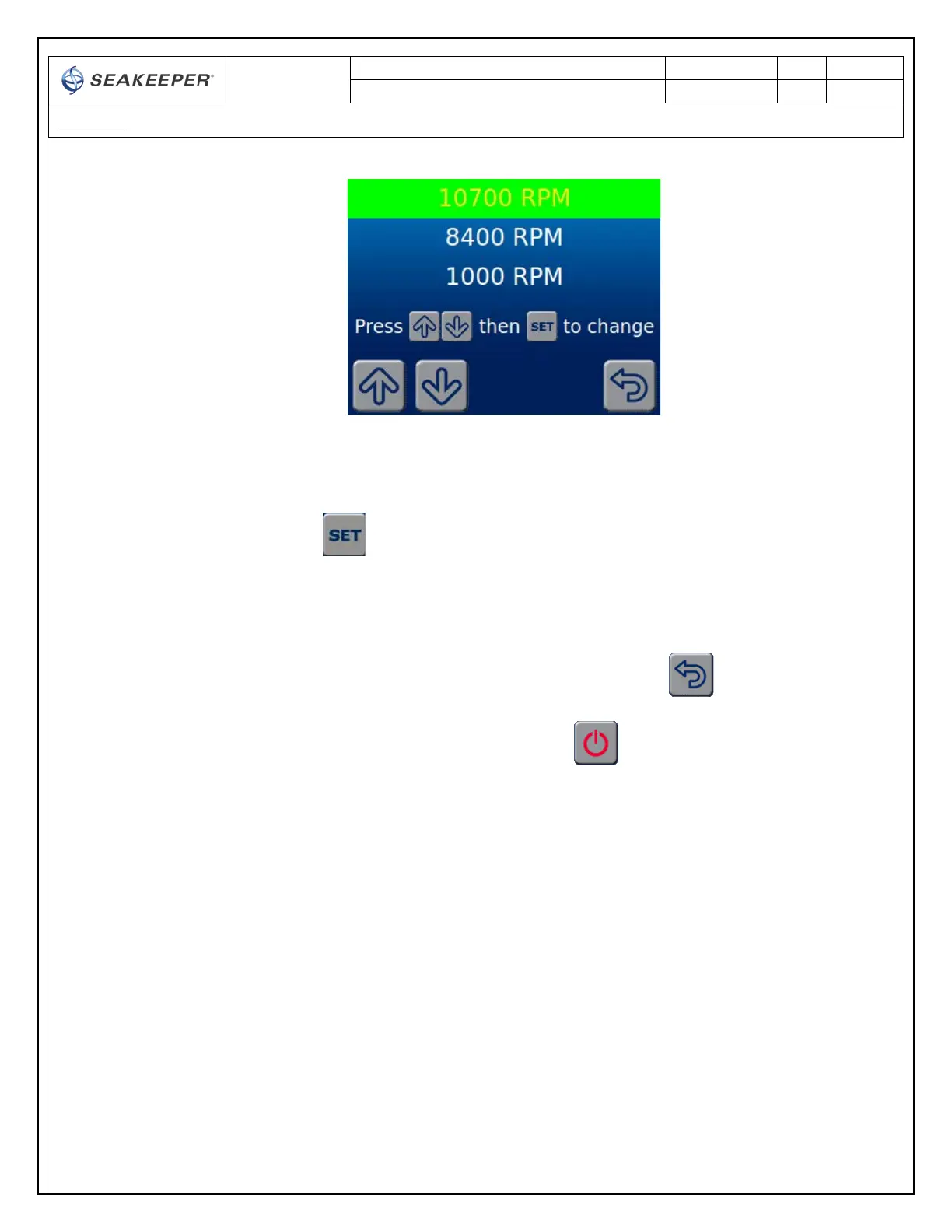
10) Press the SET button to select the highlighted gyro speed. The selected speed will turn
yellow. 1000 RPM is used for boat transit without stabilization. 107000 RPM is for normal
stabilization. 8400 RPM allows stabilization at a reduced flywheel speed. When 12V power is
removed from the gyro, the speed selection will revert to 10700 RPM.
11) To navigate back to the SETTINGS screen, the BACK button is depressed
12) Make sure AC power is available to the Gyro and use the GYRO ON/OFF to turn the gyro
ON if it is not already on.
• The ICON will change from red (GYRO OFF) to green (GYRO ON)
13) When the GYRO is near the selected speed, the PROGRESS BAR will disappear and the GYRO will
ready to have stabilization enabled if 10700 RPM or 8400 RPM are selected.



 To Next Page