OPERATION
MANUAL
Section 3: POWER FAILURES, ALARMS, AND TROUBLESHOOTING
3.5 Alarm and Warning History
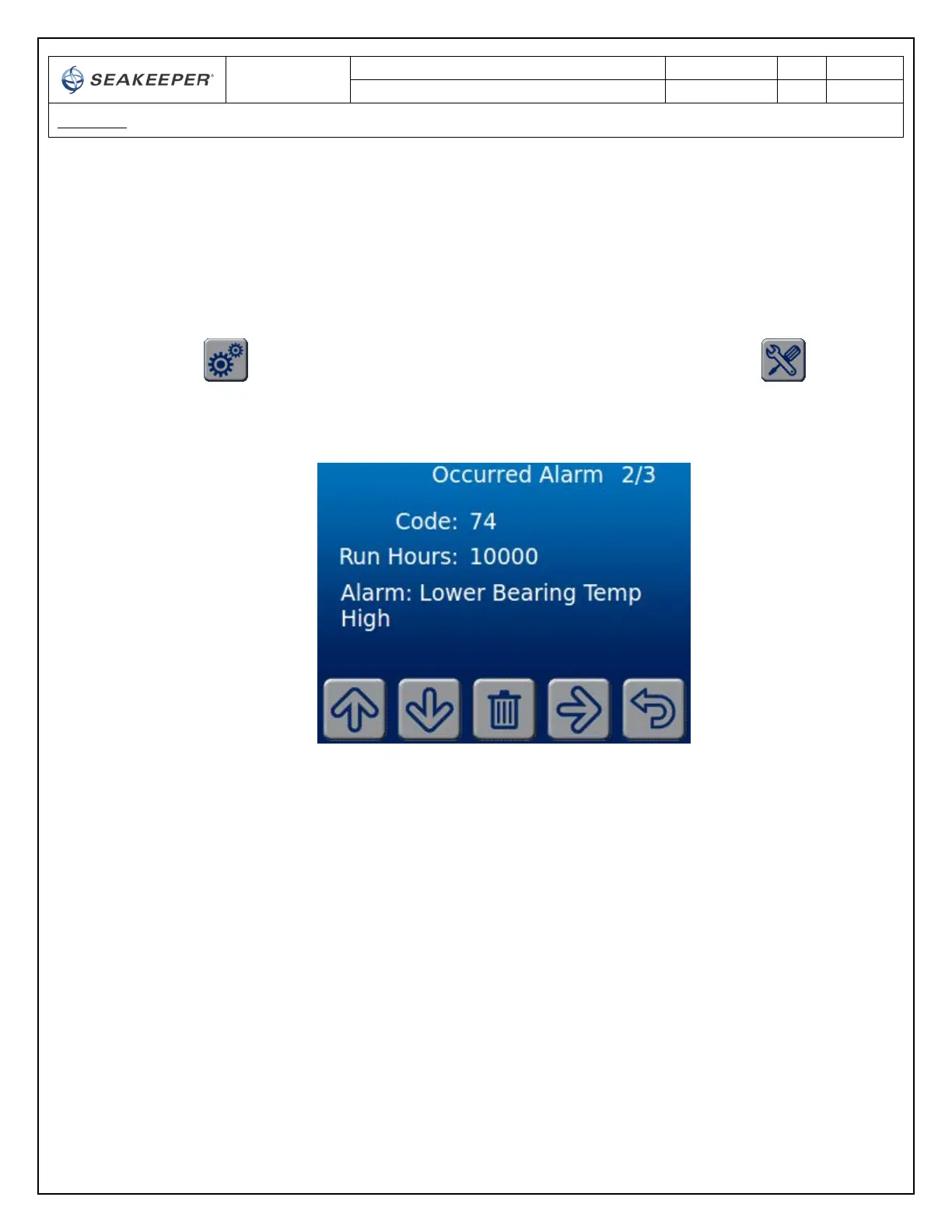
The Service page on the Display shows the recent alarms and warnings. The alarms and warnings are in
chronological order starting with the most recent. Warnings are for issues that do not affect gyro
operation.
• From the Home Screen at the Display, go to SETTINGS screen by depressing the SETTINGS screen
key and then go to the SERVICE screen by depressing the SERVICE screen key
• View the ALARMS and WARNINGS in the history by pressing UP and DOWN arrow keys.



 To Next Page