26
PROCESS CONTROL SHEET
Process: _________________________________
Application Use: ___________________________
Top Unwind Shaft:__________________________
Bottom Unwind Shaft: _______________________
CONTROL PANEL SETTINGS
Top Roller Temp: __________________________
Bottom Roller Temp: ________________________
Motor Speed Setting: ________________________
Program Preset ____________________________
WEBBING SETTINGS
Web Tension Top Unwind Shaft:
Light ________/ Med. _________/ Heavy _________
Web Tension Bottom Unwind Shaft:
Light ________/ Med. _________/ Heavy _________
Nip Setting: _______________________________
Images: Sheet Fed ___________/ Roll Easel _______
NOTE: We recommend that you make a
photocopy of this page. With each successfully run
application, record the process and settings and a
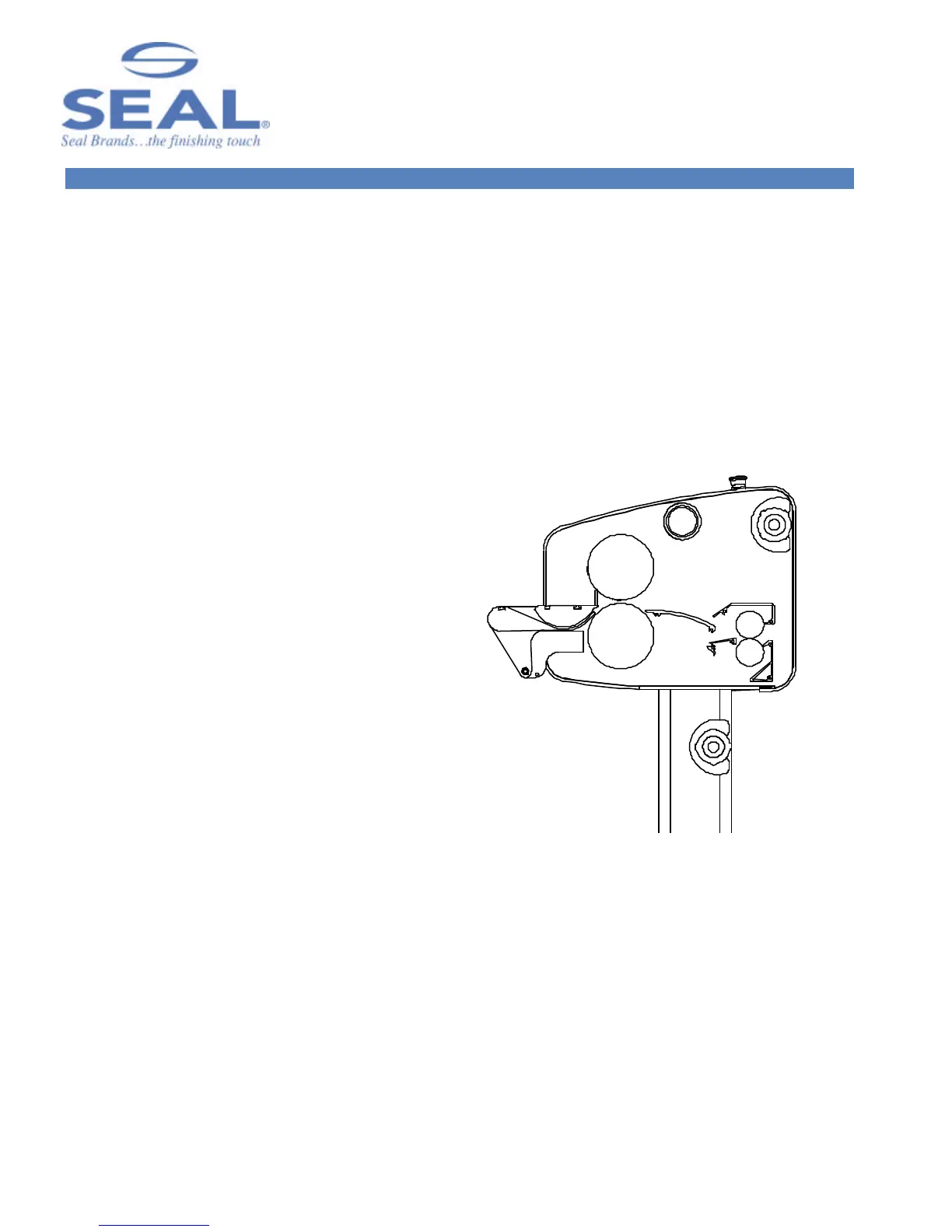
diagram of the webbing procedure. Keep the record
so the application can be repeated at a later date.
HINT: If a standard image is made available for
each new process then sales materials and samples
can be developed for reference.
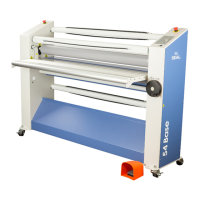
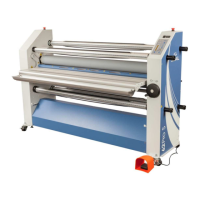
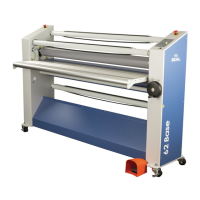
Figure 19. Blank Webbing Diagram



 To Next Page