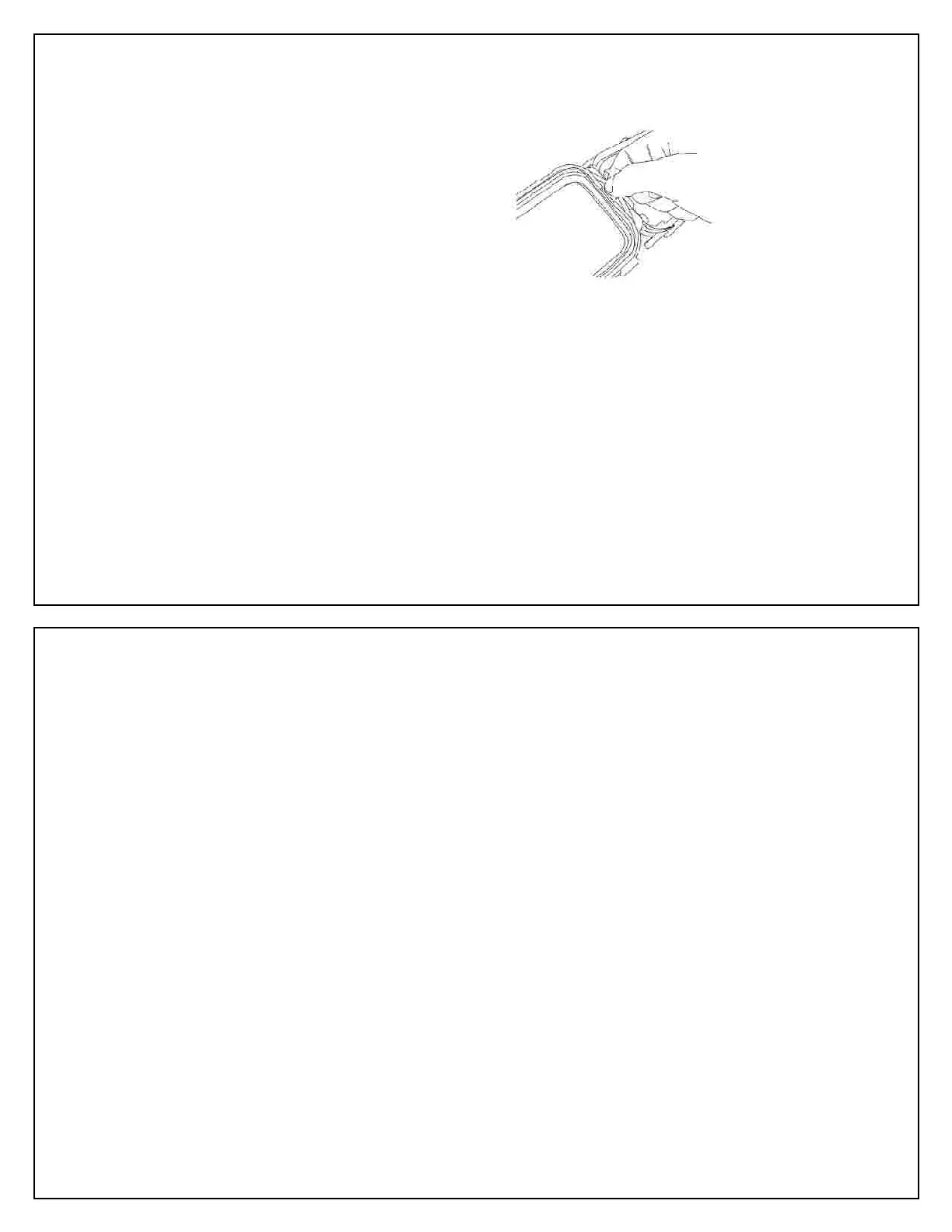
Maintenance of the Small O
Maintenance of the Seashell Housing
Seashell camera housing. Avoid using
sharp tools which may damage the o
ring by flushing water, and ge
tly remove the dirt with your fingers .
with the Seashell camera housing and
spread it along the whole length of the o
using your fingers pulling from one directi
sealing compound must be evenly covered.
Press the shutter button of the Seashell all
Use the blunt end of a toothpick to apply a
ring grease to the junction
of the shaft and the front housing
Press the shutter button a few times and
the lubricant grease will be transferred to
Repeat the same for the Power button.
Generously wash and rinse the outside of
the camera housing with fresh water. Do
not use hot water (over 104 F) as it may
After salt water use, immerse completely,
soak in fresh water for several hours, and
Use soft a cloth or tissue paper to gently
dry the camera housing. Be careful as
sand or dirt may cause scratches.
Salt water residual may cause corrosion of
Use a soft, clean cloth to clean the insid
Ensure the camera is off.
Install battery. Make sure the battery is
sufficiently charged for your needs
Install the memory card. Make sure the
memory card has enough available capacity
Remove the original strap from the camera
as it may cause water leakage.
Turn the power of the camera to “On”.
Set the camera to “Power Saving” mode if
Set the camera at flash light off. Flashes
offer no benefit inside of a
Set the camera to “P” / “under water” and
Set the camera at a faster shutter
ISO400 or above, as it is difficult to stabilize
Set the camera at “Auto Review”, if needed



 To Next Page