Introduction
Media System
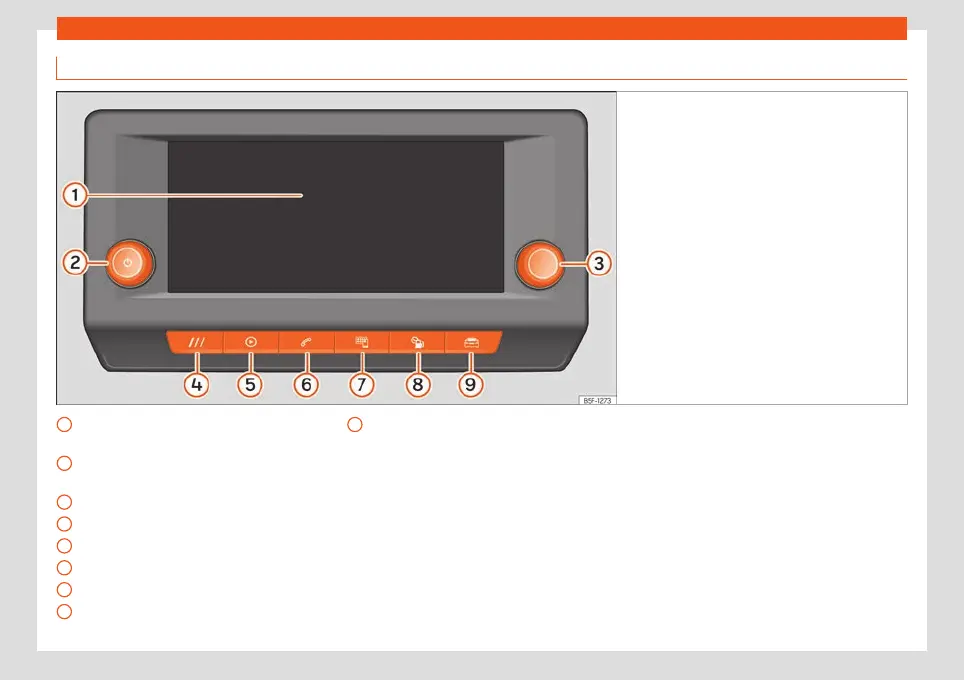
Fig. 139
Overview: control unit and indication in
the 8.
25-inch version
Touch screen. The infotainment functions
can be used thr
ough the scr
een.
R
otary push button (to adjust the volume
and to turn the infotainmet on/off)
Rotary push button (to search and select)
HOME button (to open the home page)
Entertainment
›››
page 178
Telephone
›››
page 192
Full Link
›››
page 169
Vehicle information
›››
page 86
1
2
3
4
5
6
7
8
Vehicle settings
›
›
›
page 87
9
157



 To Next Page