46 •
Switch off scales ♦ Press the Start key.
NOTE:
When in battery mode, the scales will switch off
automatically after a short period if no load is
placed on them.
6.2 Use additional functions
Additional functions are available in the menu for the
scales. This allows you to configure the scales perfectly
to your own needs.
* The menu item "rF" is described in section “Operate
scales in a wireless group" on page 52.
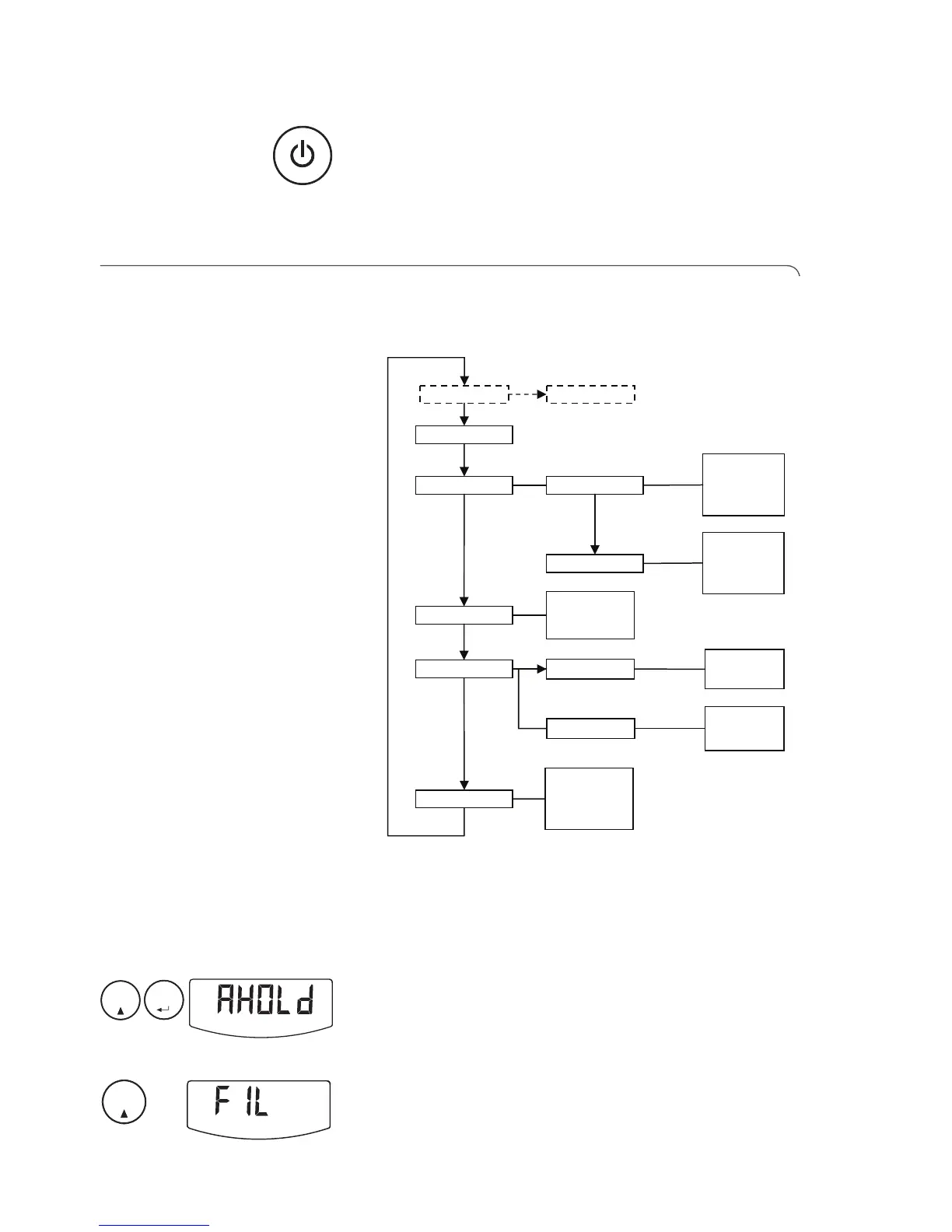
Navigate in the menu 1. Switch on the scales.
2. Hold down the Enter key and the arrow key simul-
taneously.
The last menu item selected is shown in the display
(here: Autohold "Ahold").
3. Keep pressing the arrow key until the required
menu item appears in the display (here: attenuation
"Fil").



 To Next Page