56 •
NOTE:
For further operation of the wireless printer see
its user manual.
8. CLEANING
To clean the tray and housing of the scales use a
household detergent or standard disinfectant as
required. Take note of the instructions provided by the
manufacturer.
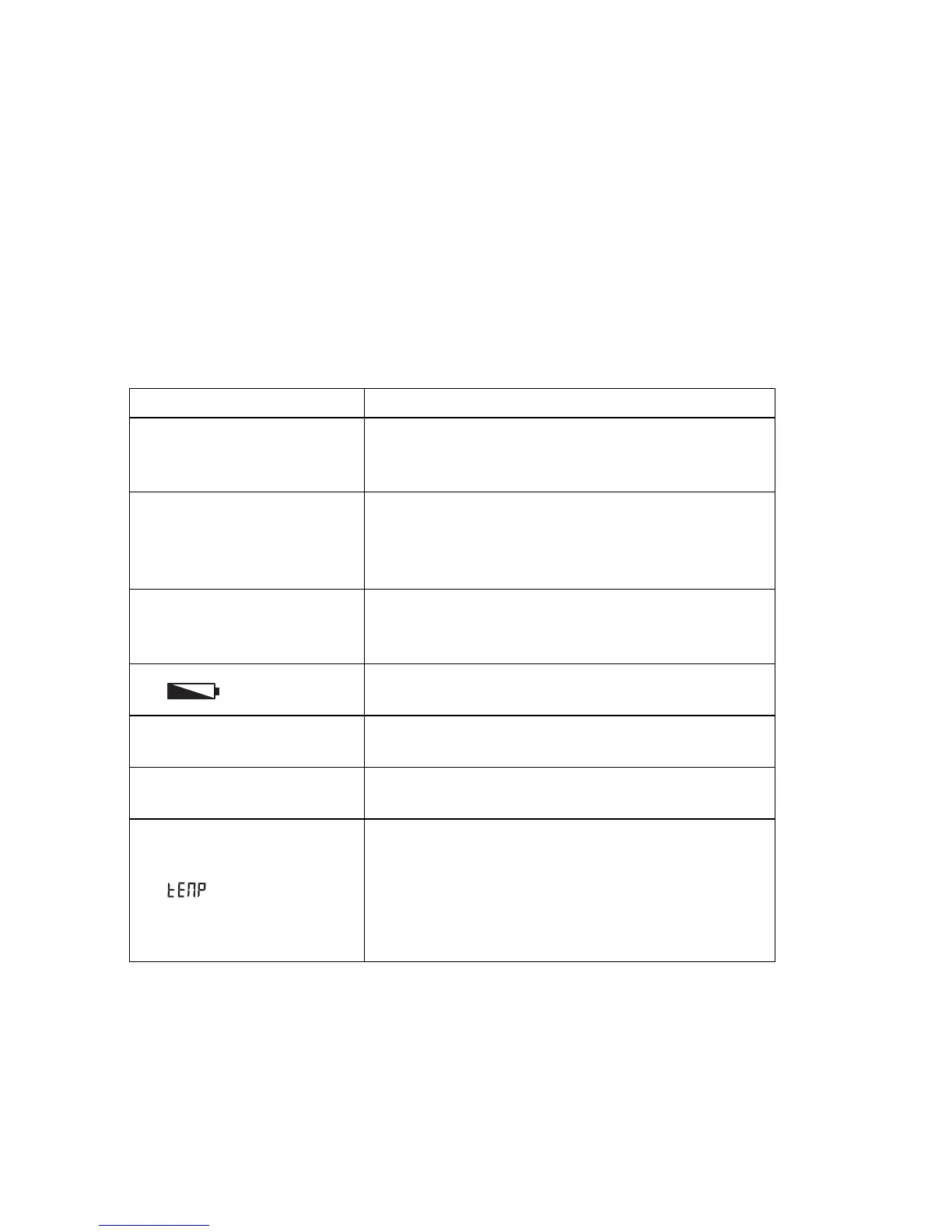
9. WHAT TO DO IF …?
Malfunction Cause/Remedy
… no weight is dis-
played during weighing?
The scales are not connected to the power supply
- Check the scales are switched on
- Check batteries are inserted
…
0.000 does not appear
before weighing?
A load was placed on the scales before being
switched on.
- Remove load on scales
- Switch scales off and back on again
… a segment lights up
continuously or not at
all?
There is a fault at that point.
- Notify maintenance service.
… is displayed?
Battery voltage is falling off.
- Insert new batteries as soon as possible
…
bAtt is displayed?
Batteries are flat.
- Insert new batteries
…
St0p is displayed?
The maximum load has been exceeded.
- Reduce load
… is displayed?
The ambient temperature of the scales is too high
or too low.
- Set up scales in an ambient temperature
between +10 °C and +40 °C
- Wait approx. 15 minutes until scales have
adjusted to ambient temperature



 To Next Page