14
5. Operation
Controls and displays
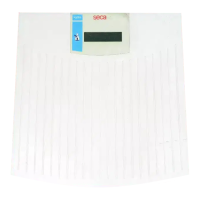
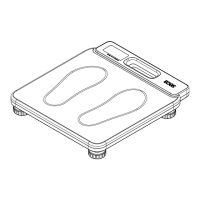
The display is in the raised display part of the scale.
Correct weighing
– Gently tap the top of the weighing plat-
form to start the scale. The vibration
switch starts the scale.
se(a, 8.8.8.8.8. and 0.00 appear consec-
utively in the display. The scale is then au-
tomatically set to zero and ready to use
– Stand on the scale and keep still.
– Read the weighing result off the digital
display.
– If a load greater than 160 kg is placed
on the scale,
St0P appears in the dis-
play.
Switching off the scale
The scale is equipped with automatic switch-off which automatically switches off the
scale 20 seconds after the last weighing operation.


 To Next Page