Model 888 15
GB
Checking that the contents of the calibration counter are
correct
This seca scale is calibrated. Calibration may be performed only by authorised centres.
To ensure this, the scale is fitted with a calibration counter which records any change to
data relevant to calibration. If you want to check whether the scale is properly calibrated,
proceed as follows:
– Wait until the scale has switched off.
– Keep the key depressed and start the
scale by tapping the weighing platform.
The current contents of the calibration
counter are shown on the display for a
few seconds.
– Compare the output contents of the
calibration counter with the number
shown on the calibration counter
stikker. For valid calibration, both num-
bers must match.
– If sticker and calibration counter do not
match, then re-calibration is required.
Contact your service agent or seca Cus-
tomer Service.
6. Cleaning and care
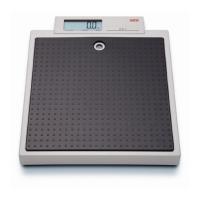
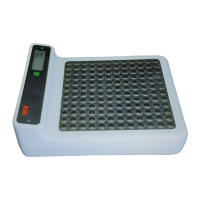
Clean the rubber surface and the housing as required using a domestic cleaning agent or
commercially-available disinfectant. Follow the manufacturer’s instructions.. The textured
cover on the scale can be removed for cleaning.
Under no circumstances use abrasive or acid cleaners, white spirit, benzene or the like for
cleaning. Such substances can damage the high-quality surfaces.
Both numbers must match.


 To Next Page