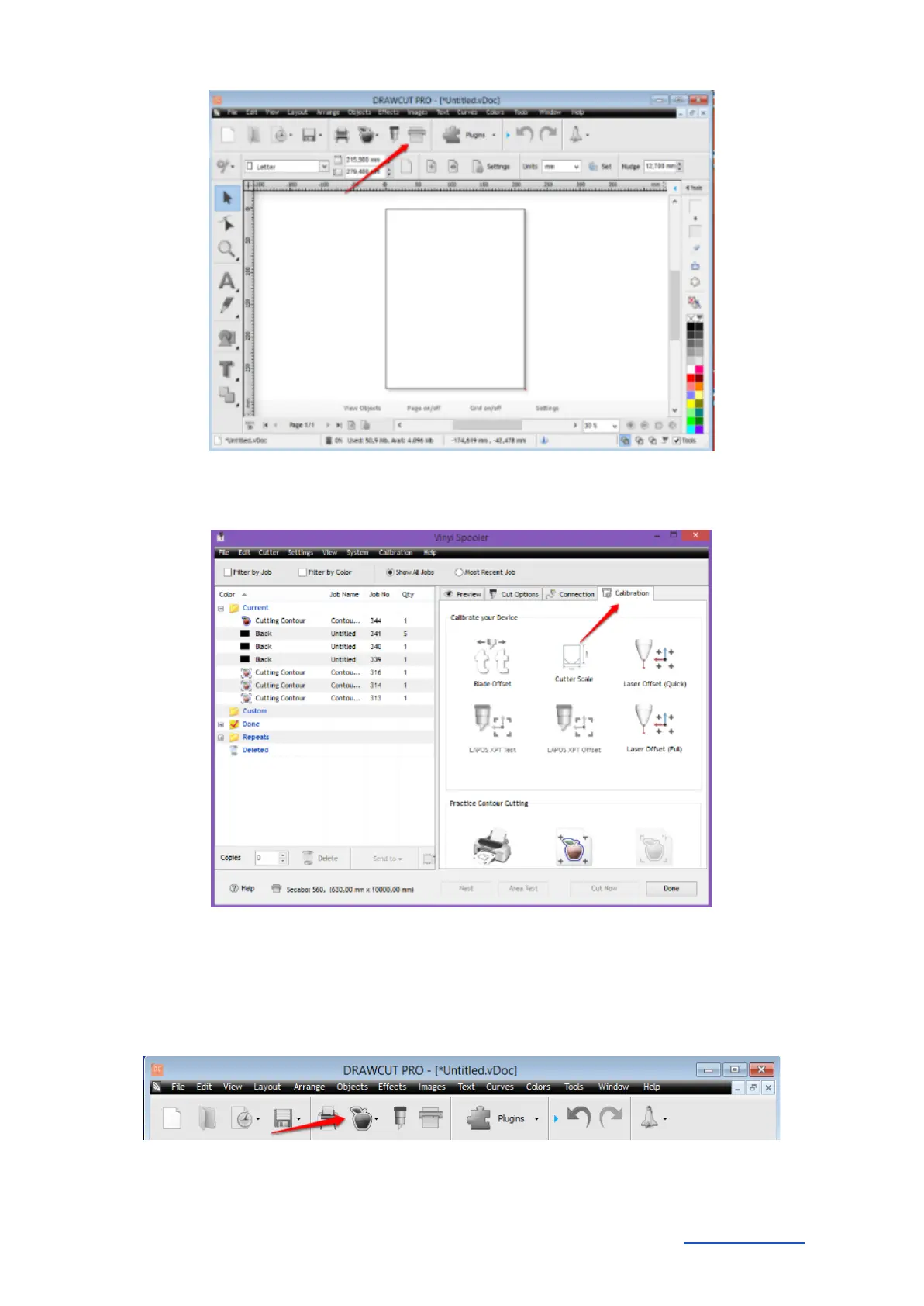
● Click on the "Calibration" tab. Choose the fast or the detailed option and follow the
instructions of the respective Calibration Wizard.
Once the calibration is complete, you can start with the actual contour cutting.
● First, create a logo with the text tool or import any vector graphics.
● Open the Contour Cut Wizard from the DrawCut header.
● Create an outline using the desired parameters under "Create a cutting contour". Confirm it
by clicking "OK".
Secabo GmbH Hochstatt 6-8 85283 Wolnzach Germany mail@secabo.com www.secabo.com
15



 To Next Page