Reset to Factory Default , Page 4 of 10
2015
3. Reset Procedure
3.1. All TrustGates
1. Power your PC and the appliance off.
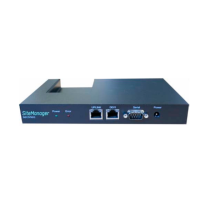
2. Connect the PC and the appliance’s DB-9 interface with the null-modem cable.
3. Power your PC and the appliance on.
4. Start HyperTerminal or similar program.
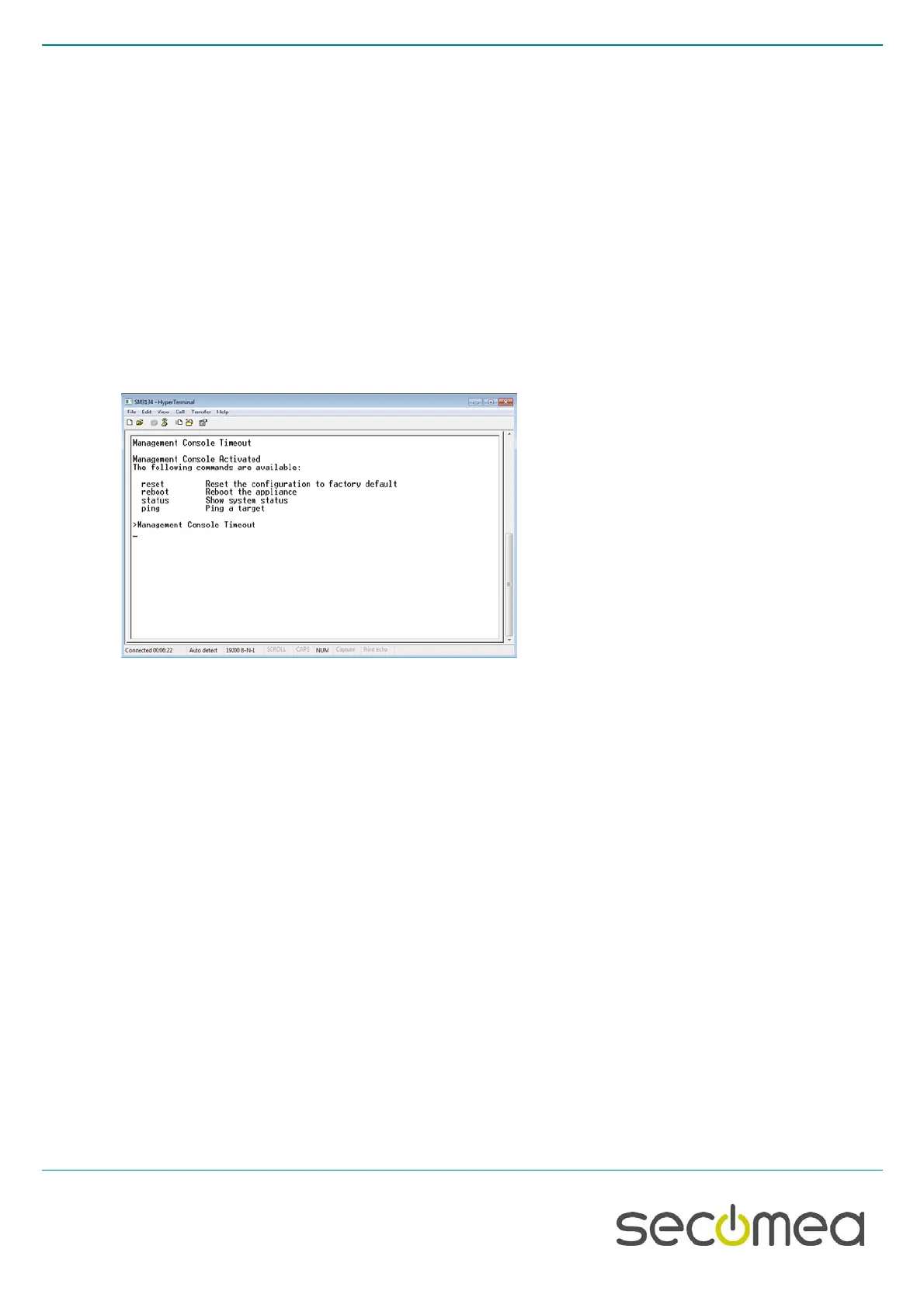
5. Set the communication parameters: See figures below
6. If a prompt (>) does not appear on the screen, press Enter
7. Type reset , followed by Enter
8. Type Yes ( to confirm), followed by Enter
9. Type reboot , followed by Enter
10. Close the session
11. Power off and disconnect the cable.



 To Next Page