Reset to Factory Default , Page 5 of 10
2015
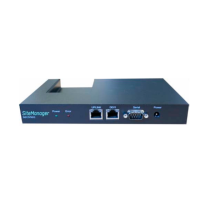
3.2. SiteManager 3129
1. Power your PC and the appliance off.
2. Connect the black RJ45 to DB9 that was included with the SiteManager, to the SERIAL2 port of the
SiteManager.
3. Connect the PC and the DN9 end of the black cable with the null-modem cable.
4. Power your PC and the appliance on.
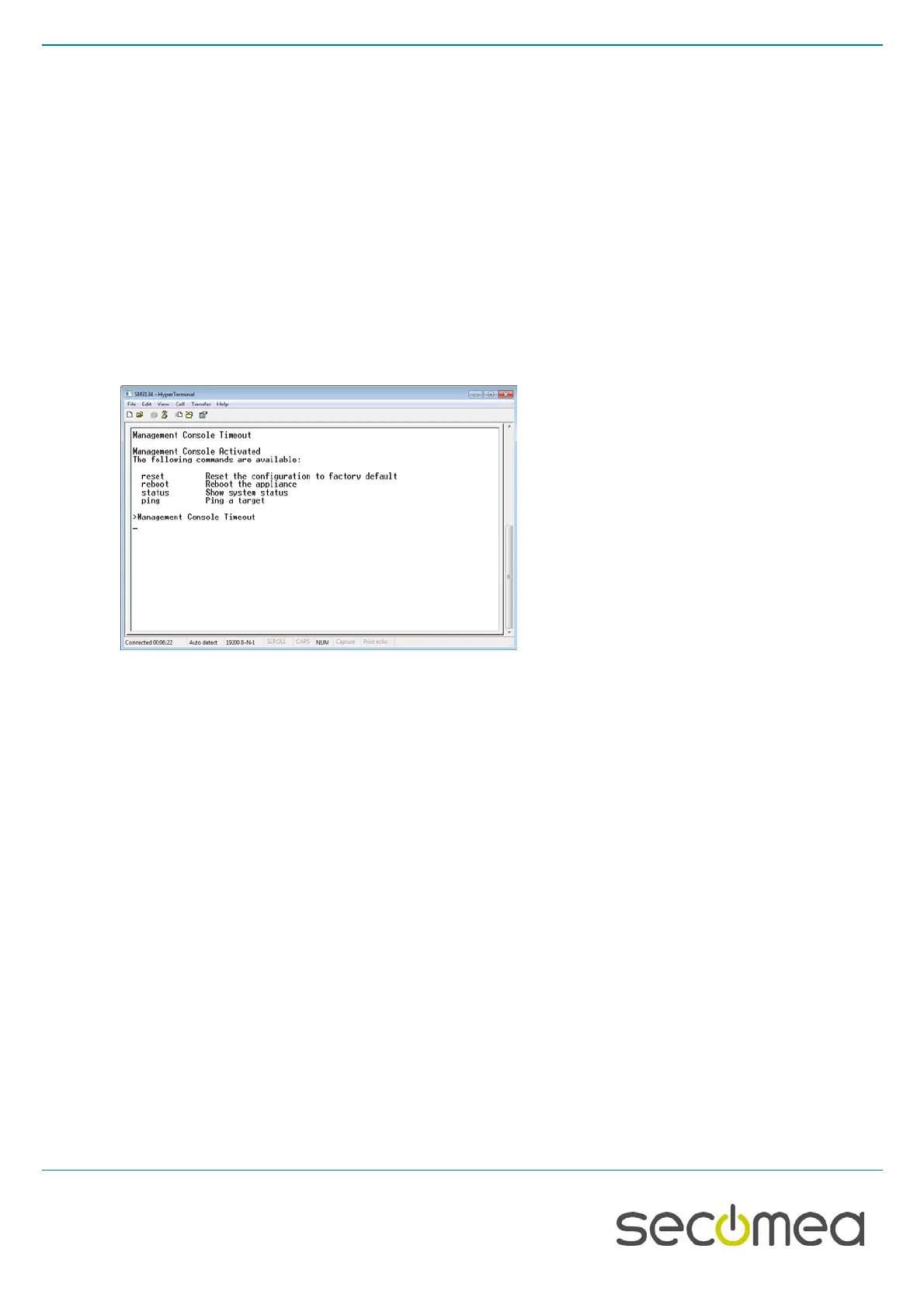
5. Start HyperTerminal or similar program.
6. Set the communication parameters: See figures below
7. If a prompt (>) does not appear on the screen, press Enter
8. Type reset , followed by Enter
9. Type Yes ( to confirm), followed by Enter
10. Type reboot , followed by Enter
11. Close the session
12. Power off and disconnect the cable.



 To Next Page