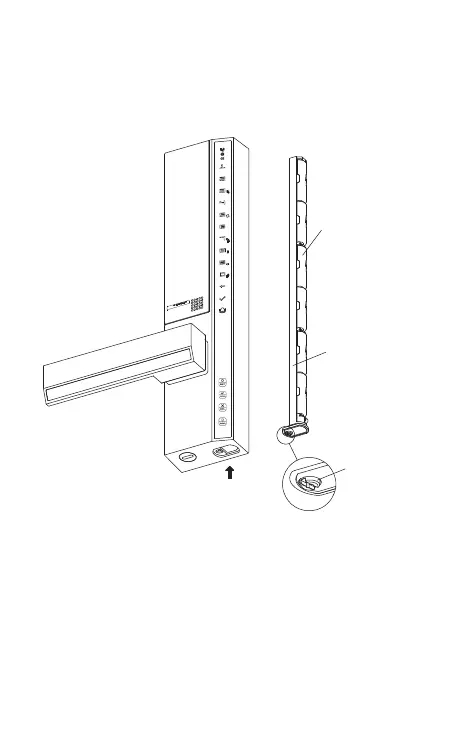
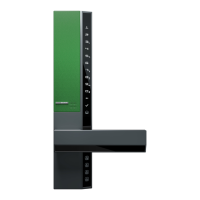
1. Loosen the battery case screw counterclockwise
with a coin or a slotted screwdriver, pull out the
battery case, and load 6 1.5V LR6 batteries.
2. Insert the battery case into the front panel, and
tighten the screw.
● Battery must be LR6 alkaline. Otherwise, it may
cause lock malfunction.
Change Battery
Battery loading direction
1.5V LR6 battery
Battery case
Battery case screw


 To Next Page