Connecting a dial-in client
Remote users can dial in to the SnapGear unit using the standard Windows Dial-Up
Networking software or similar. The following instructions are for Windows 2000/XP.
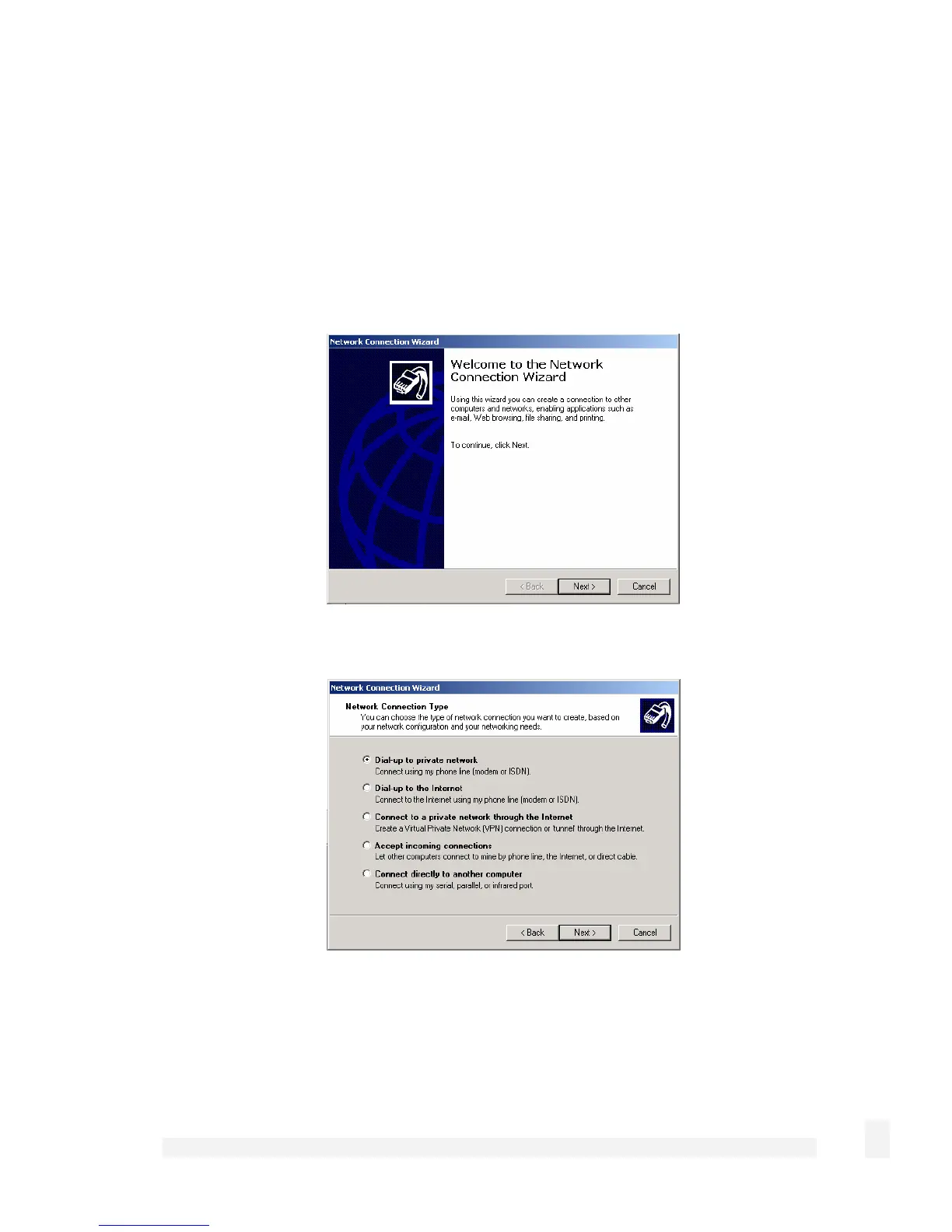
Click Start > Settings > Network and Dial-up Connections and select Make New
Connection. The network connection wizard guides you through setting up a remote
access connection:
Click Next to continue.
Select Dial-up to private network as the connection type and click Next to continue.
59
Network Setup



 To Next Page