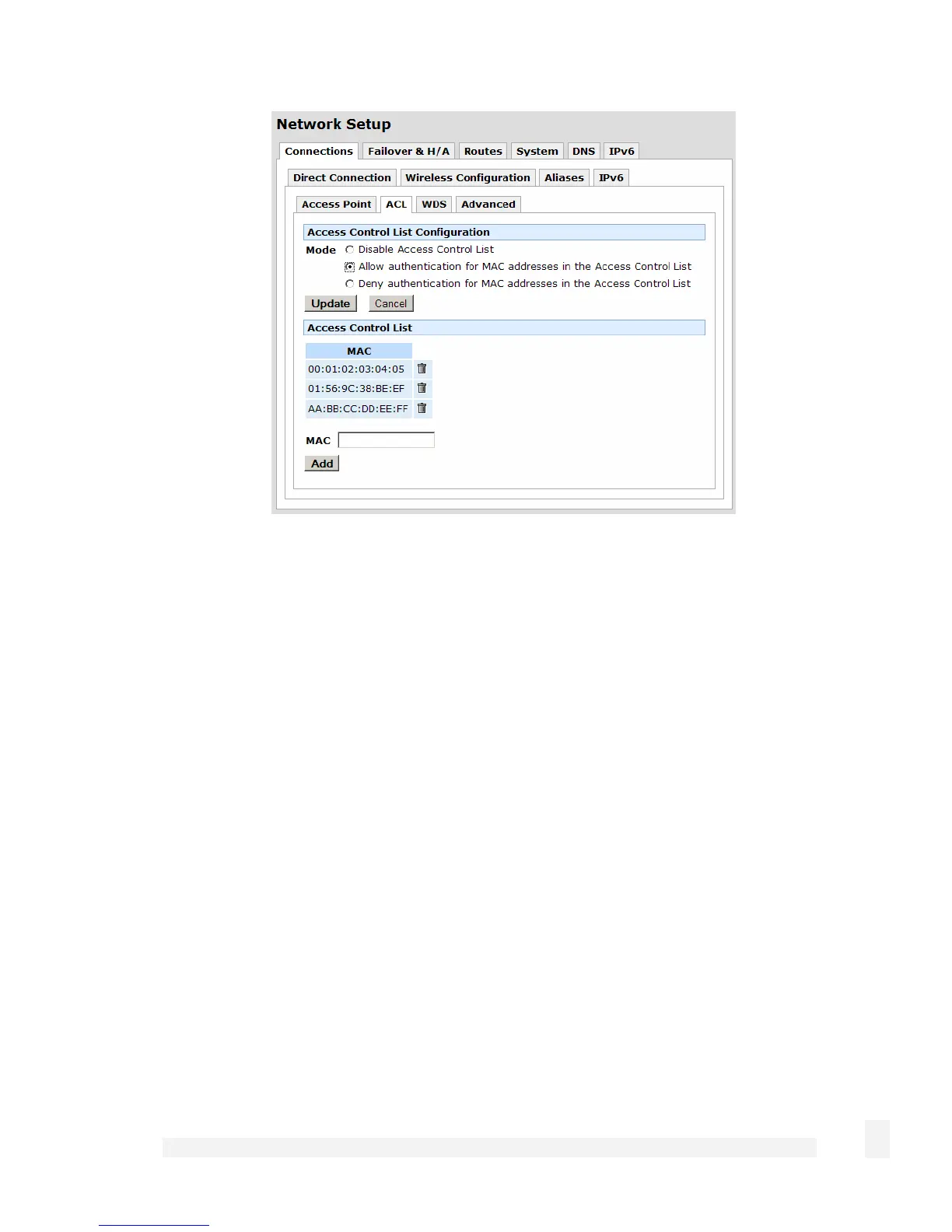
Select Allow authentication for MACs in the Access Control List and click Apply.
Select Add to add the MAC address of each wireless client you wish to allow to connect.
Click Advanced. Ensure the Region has been set appropriately. You may also restrict
the Protocol to 802.11b only or 802.11g only if you wish. Generally, the other settings
should be left at their default values.
Click Apply. Click the Connections tab.
89
Network Setup



 To Next Page