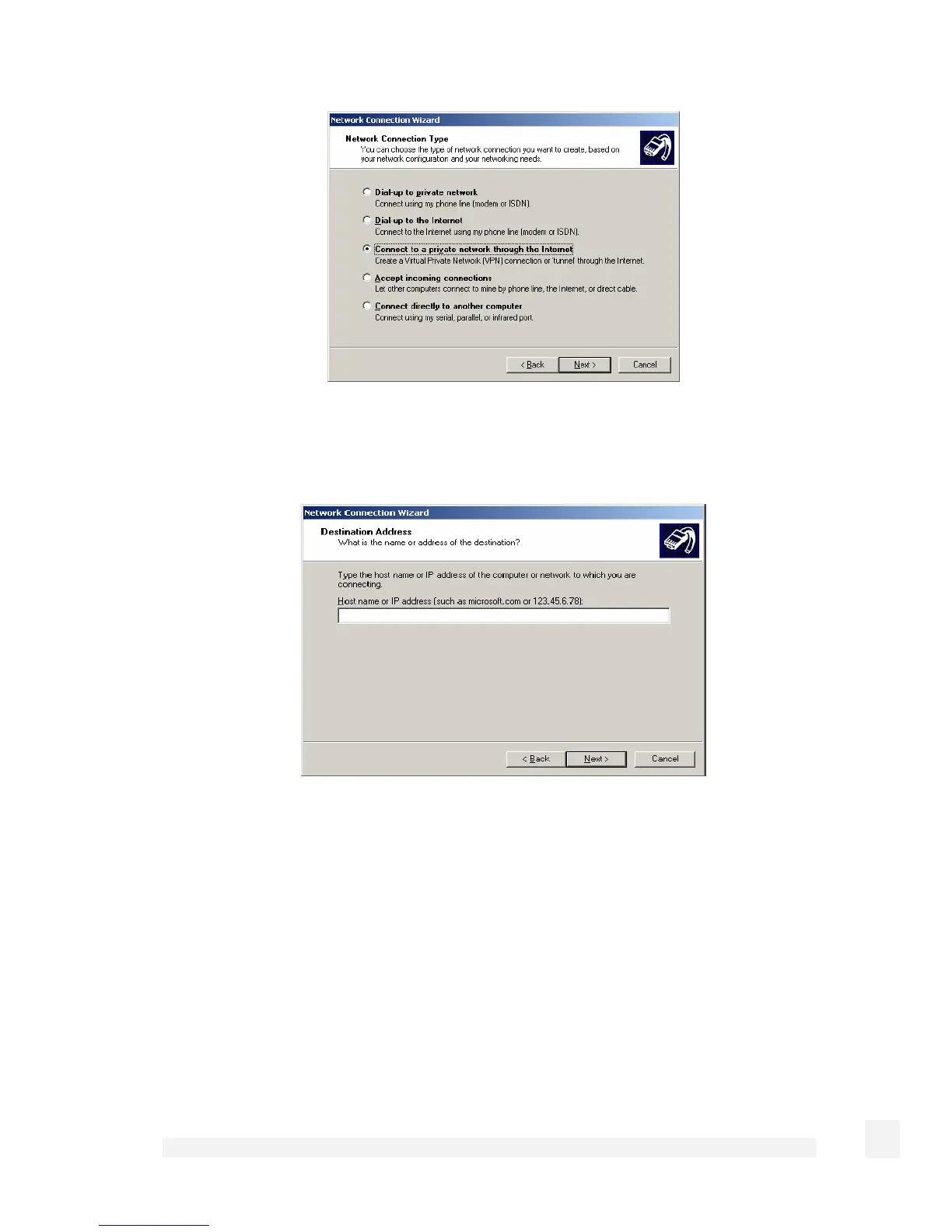
Select Connect to a private network through the Internet and click Next.
This displays the Destination Address window:
Enter the SnapGear unit’s Internet IP address or fully qualified domain name and click
Next. Select the Connection Availability you require on the next window and click Next
to display the final window:
198
Virtual Private Networking



 To Next Page