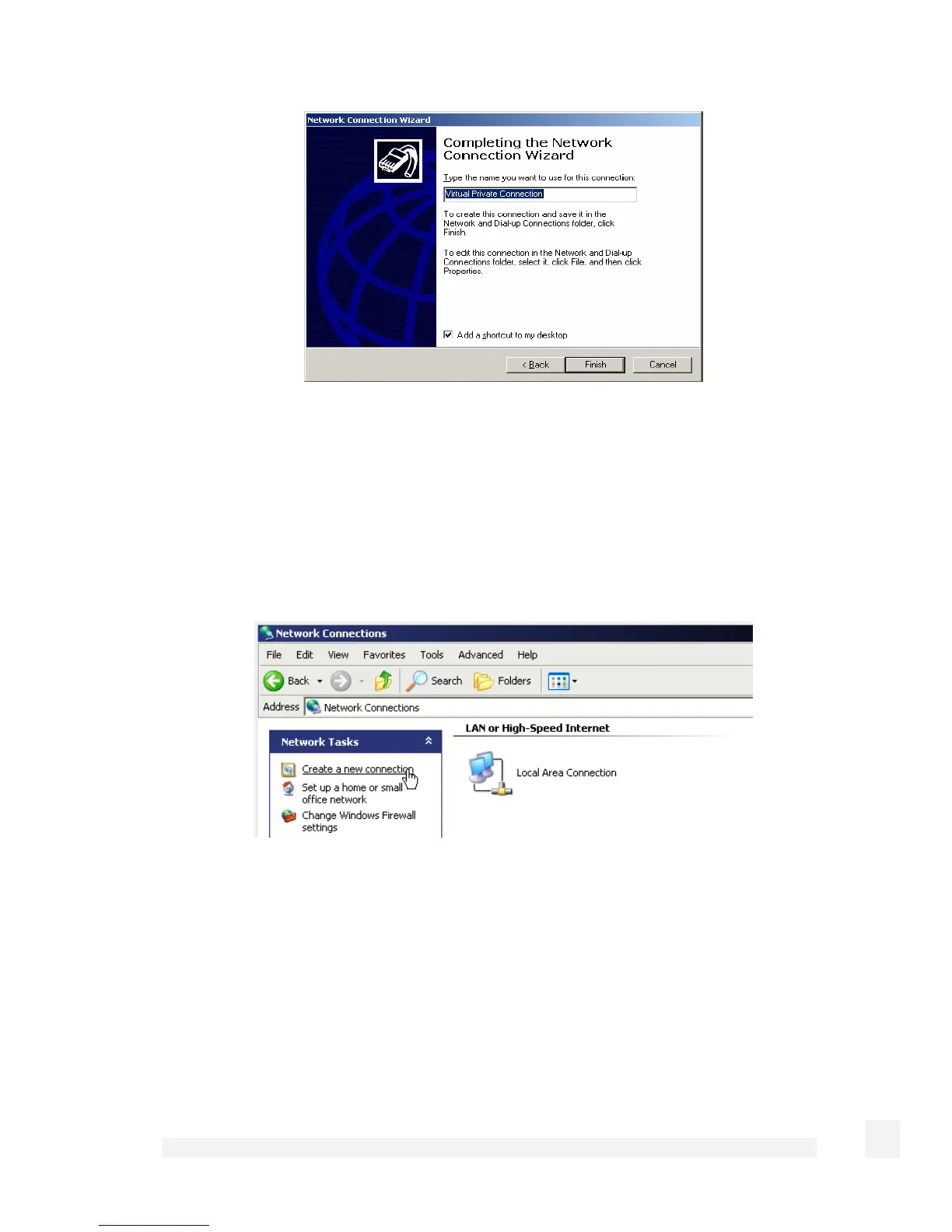
Enter an appropriate name for your connection and click Finish.
Your VPN client is now set up and ready to connect.
Windows XP PPTP client setup
Login as Administrator or with administrator privileges. From the Start menu, select
Settings and then Network Connections.
Click Create New Connection from the Network Tasks menu to the left.
199
Virtual Private Networking



 To Next Page