3.
SYSTEM SETUP
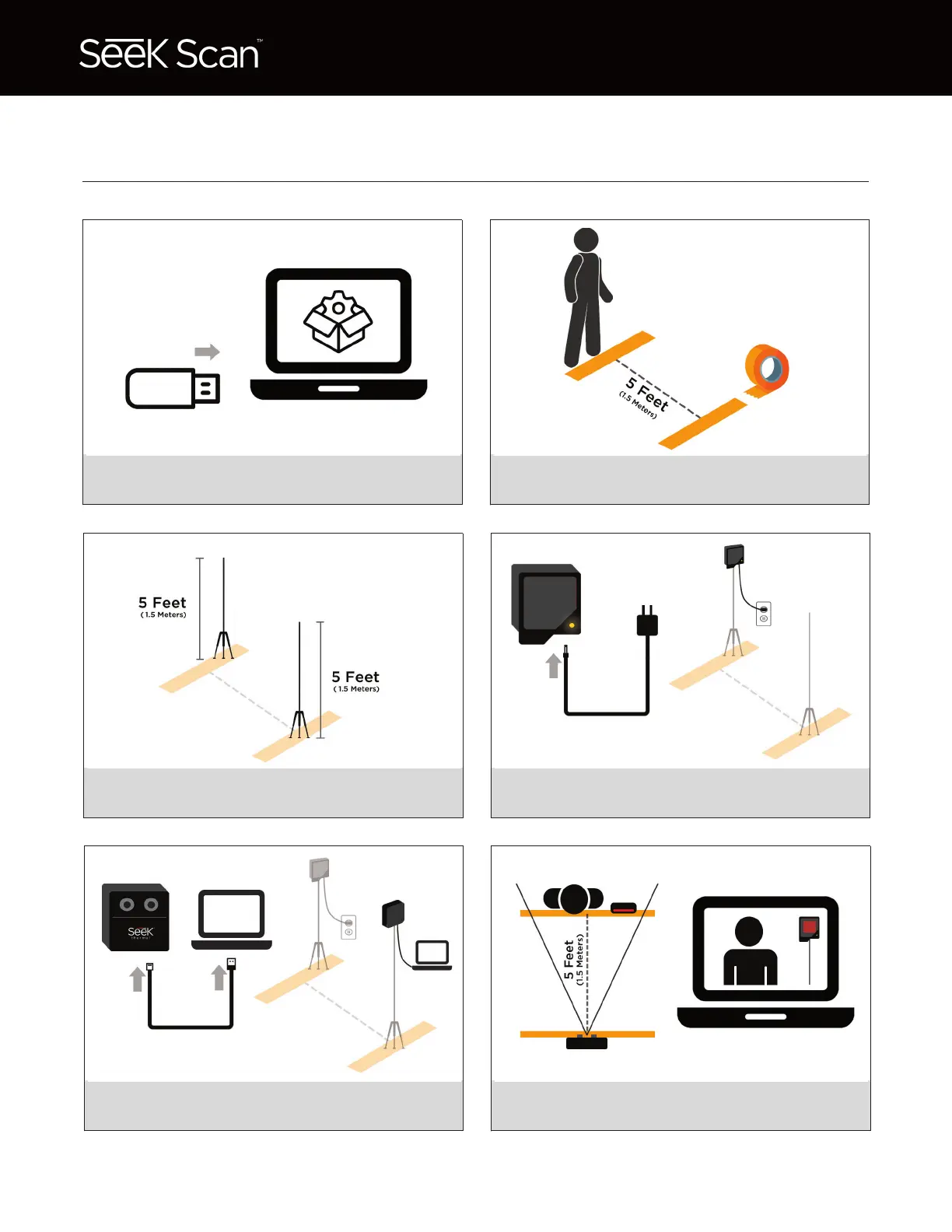
Connect USB stick to PC or tablet and follow
instructions to install Seek Scan software.
1. 2.
3. 4.
5. 6.
Place two pieces of tape 5 feet (1.5 m) apart.
Position is critical to system performance.
Set tripod heights to 5 feet (1.5 m).
Tripods not included.
Heat source automatically turns on once
plugged in. Ready when light stops blinking.
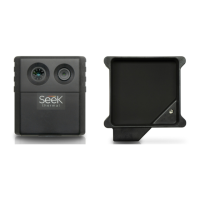
Attach camera to tripod and connect cable to
PC or tablet. Software must be already installed.
Heat source and subject should be NO
FURTHER than 5 feet (1.5 m) from the camera.


 To Next Page