EasyManua.ls Logo

Seeley MagIQtouch - User Manual

Seeley MagIQtouch
36 pages
Print Icon
To Next Page IconTo Next Page
Loading...
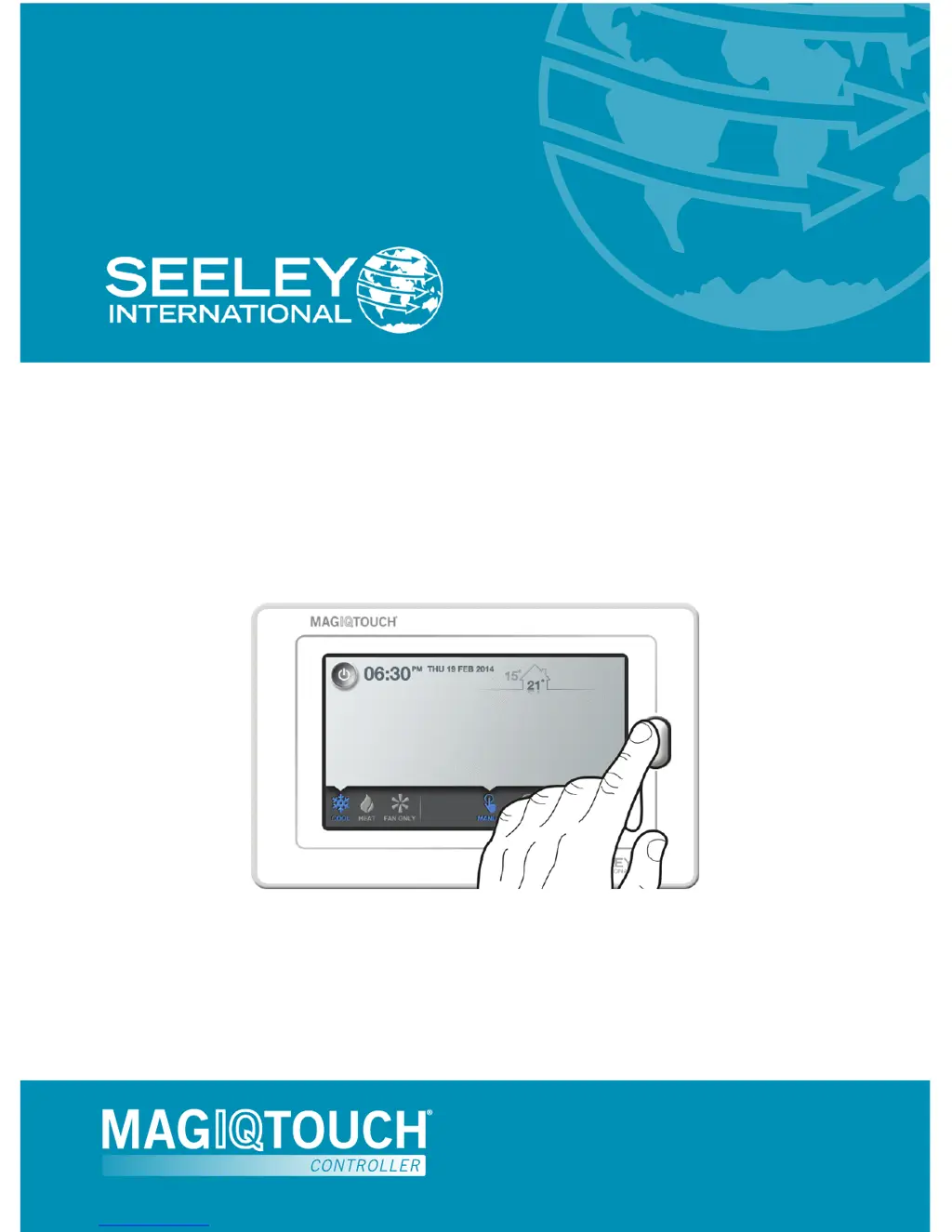
OWNERS MANUAL
MagIQtouch Controller
Original English Instructions

Other manuals for Seeley MagIQtouch

Questions and Answers

  • S
    Samantha MillerJul 27, 2025
    What to do if my Seeley MagIQtouch Controller has no display?
    • Z
      zmurphyJul 27, 2025
      If your Seeley MagIQtouch Controller has no display, it could be due to a couple of reasons. First, the cable from the cooler may not be fitted correctly; try refitting the cable. Second, the cable might be damaged or broken, in which case you should replace it.
  • J
    Jessica EvansAug 1, 2025
    What to do if Seeley MagIQtouch Controller shows cooler/heater is on, but I can’t hear the fan?
    • F
      francis82Aug 2, 2025
      There are a couple of reasons why you might not hear the fan. First, the set temperature may have been reached, placing the cooler/heater in standby mode. No action is needed, but you can turn on the “STATUS INFORMATION DISPLAY” option in the SETTINGS menu to monitor the heater/cooler's activity. Second, the Controller might be in PROGRAM mode, and the current time period is set to “OFF”. In this case, review the schedule via the EDIT button on the PROGRAM home screen.
  • C
    craig48Aug 8, 2025
    Why does my Seeley Network Router MagIQtouch Controller show the cooler/heater is on, but I can’t hear the fan working?
    • K
      Kenneth TrevinoAug 8, 2025
      This can happen for a couple of reasons. First, the set temperature may have been reached, placing the cooler/heater in standby, so no action is needed. Alternatively, the Controller might be in PROGRAM mode, and the current time period is set to “OFF”. In this case, review the schedule via the EDIT button on the PROGRAM home screen.
  • K
    Kyle FieldsAug 14, 2025
    What to do if Seeley Network Router MagIQtouch Controller has no display?
    • C
      Cindy SmithAug 14, 2025
      If the MagIQtouch Controller has no display, it might be due to the cable from cooler not being fitted correctly; refit the cable. If refitting doesn't resolve the issue, the cable may be damaged or broken, and you should replace it.
  • C
    Charles MaynardAug 20, 2025
    What to do if the Seeley Network Router MagIQtouch Controller has no display?
    • T
      Tristan AguirreAug 20, 2025
      If the MagIQtouch Controller display is blank, it could be due to the cable from the cooler not being correctly fitted; refit the cable. Alternatively, the cable might be damaged or broken, in which case you should replace it.

Summary

General Tips for MagIQtouch Controller

MagIQtouch Controller Quick Reference Guide

Quick Start Guide for MagIQtouch

Operating Your MagIQtouch Controller

Navigation and Interface Basics

Explains how to navigate the MagIQtouch controller interface and its buttons.

Understanding Manual Modes

Details how the controller operates in Manual Temperature and Manual Speed modes.

Appliance Status Indicators

Describes how set temperature reading changes color to highlight appliance status.

Programming Your System

Explains how to set up and use a seven-day program for lifestyle routines.

MagIQtouch Settings Menu

General Controller Settings

Covers general settings and information for the controller and system.

Cooler and Heater Product Settings

Provides settings and information for specific Seeley International cooling or heating products.

Temperature Range Configuration

Allows adjustment of minimum and maximum temperature ranges for system operation.

Quiet Night Operation

Restricts fan speed during the night for a quieter sleeping environment.

Status Display Customization

Enables a temporary information window for current operation status on all screens.

Service Agent Access

Contains functions and information for trained service personnel only.

MagIQtouch Warnings and Service Messages

Using Slave Controllers with MagIQtouch

Power Outage Procedures

Troubleshooting MagIQtouch Controller Issues

Seeley MagIQtouch Specifications

General IconGeneral
BrandSeeley
ModelMagIQtouch
CategoryNetwork Router
Weight300g
Frequency Band2.4 GHz, 5 GHz
Ports4 x LAN, 1 x WAN
SecurityWPA, WPA2

Related product manuals