MAGIQTOUCH CONTROLLER OWNER’S MANUAL
|
11
ILL1538-B
ILL1539-A
ILL1544-C
OPERATION cont
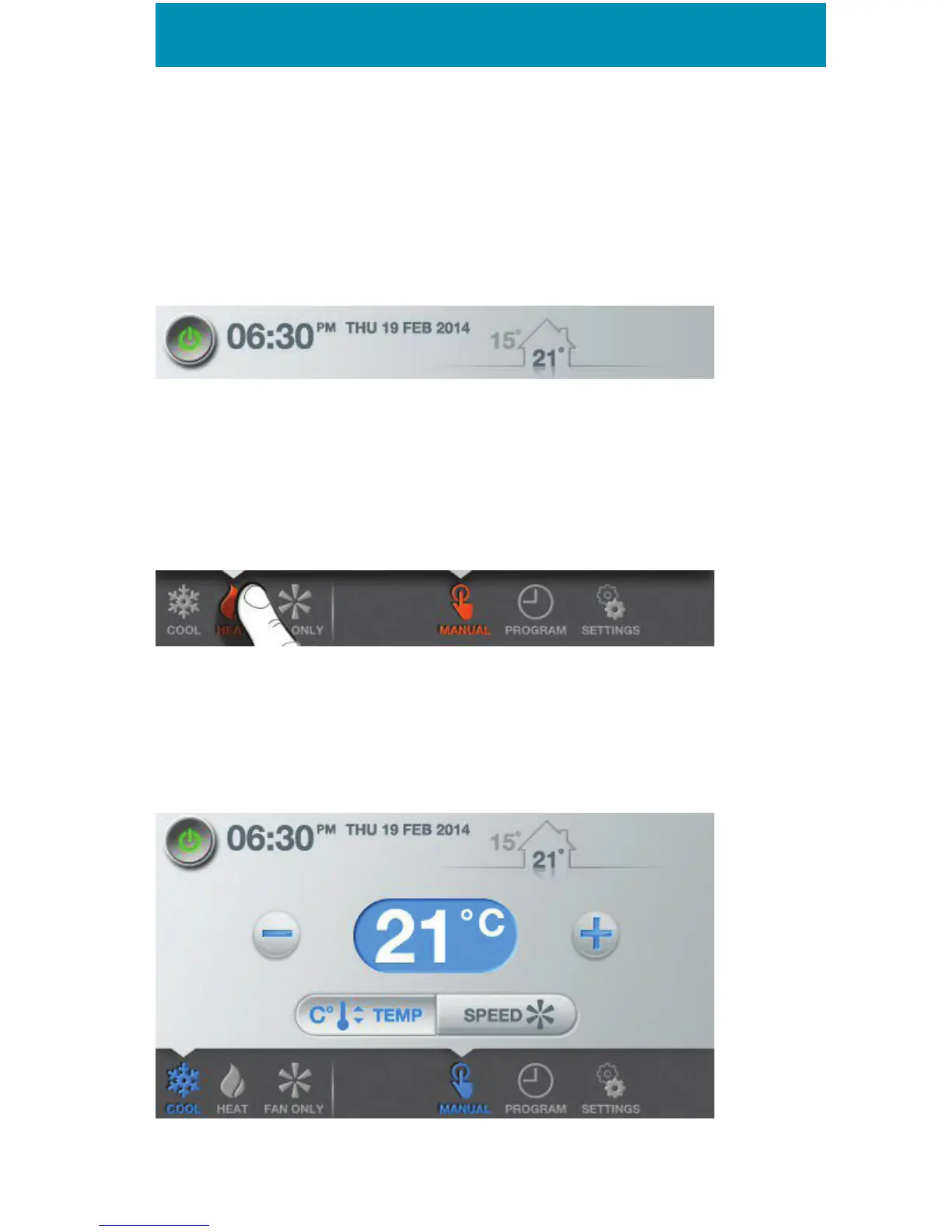
The header is the top section of your screen. This is where,
most importantly, you’ll nd the on/o button for your system.
The lower taskbar is the section at the bottom of the screen. This
is where you’ll be able to select your primary mode (cool, heat or
fan only). Just be aware that you’ll only see icons that are relevant
to your installation as the MagIQtouch Controller knows what it’s
attached to.
MANUAL MODE
An evaporative cooler running in Manual TEMP mode will try to
maintain the temperature you want by speeding up or slowing
down the fan.


 To Next Page