54
VIDEO DISPLAY
10
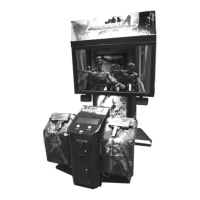
10-2 CLEANING THE SCREEN
● Since the LCD display screen is susceptible to damage, pay careful attention to
its handling. When cleaning, refrain from using water or volatile chemicals
● Do not climb onto the control panel. This could lead to injuries, such as
bumping your head
● When reaching across the control panel to clean the screen there is a risk of
hurting your shoulder or arm. Use a mop with a non-feathery, soft, dry cloth
mop head and wipe the surface of the screen
When the screen surface becomes dirty, clean it by using a soft cloth such as gauze. When water, and volatile
chemicals such as benzene, thinner, etc., spill on the screen surface, it may be subject to damage. Therefore, do not
use them.
Also, since the surfaces are susceptible to damage, refrain from rubbing them with a hard material or using a duster.
If the screen is especially dirty, call in a professional cleaner.



 To Next Page
 Loading...